Magokai Press Kit

Everything you need to write about Magokai, the AI web novel and character chat app by MagokoroAI: logos, the logo intro video, key visuals, product screenshots and company facts. All assets on this page may be used in editorial coverage, reviews, app listings and advertising about Magokai without further permission.

ZIP · 15.5 MB — Logos, key visuals, feature images and screenshots. The video is downloaded separately below.

Images are shown in the selected language. Switch languages from the language menu.

Last updated:

News

The launch announcement, ready to quote. Copy the text, or download it as PDF, DOCX or TXT in this language.

Press release

MagokoroAI introduces Magokai, an AI web novel and character chat app in 76 languages

Readers pick the characters, world and genre; the AI writes the novel and the characters talk back. Stories, chats and diaries stay on the reader’s device.

MagokoroAI, Inc. today introduced Magokai, a mobile app that turns a few choices into a complete web novel and lets readers chat with the characters inside it. Magokai arrives on the App Store and Google Play in October 2026 and is available in 76 languages.

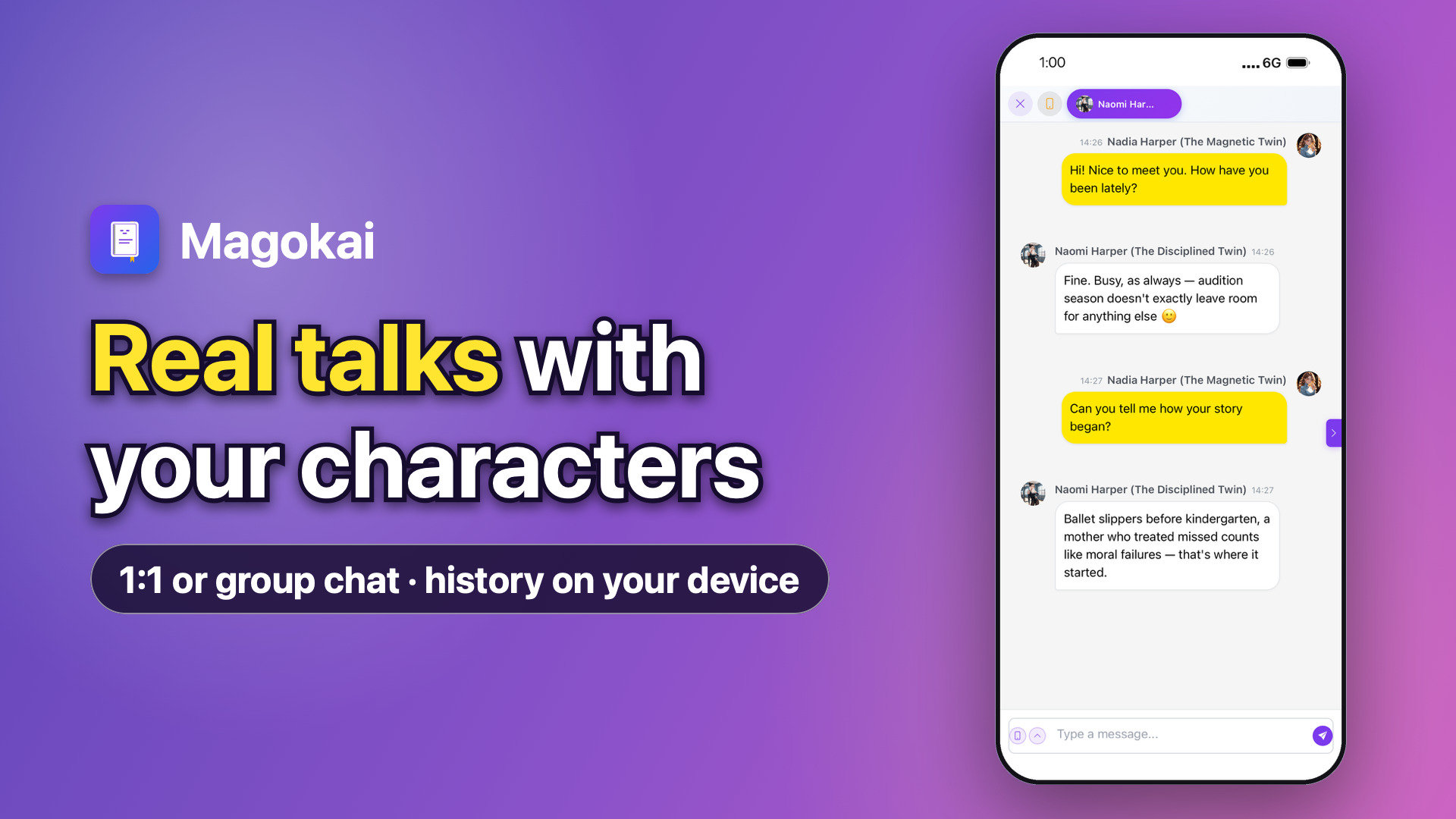
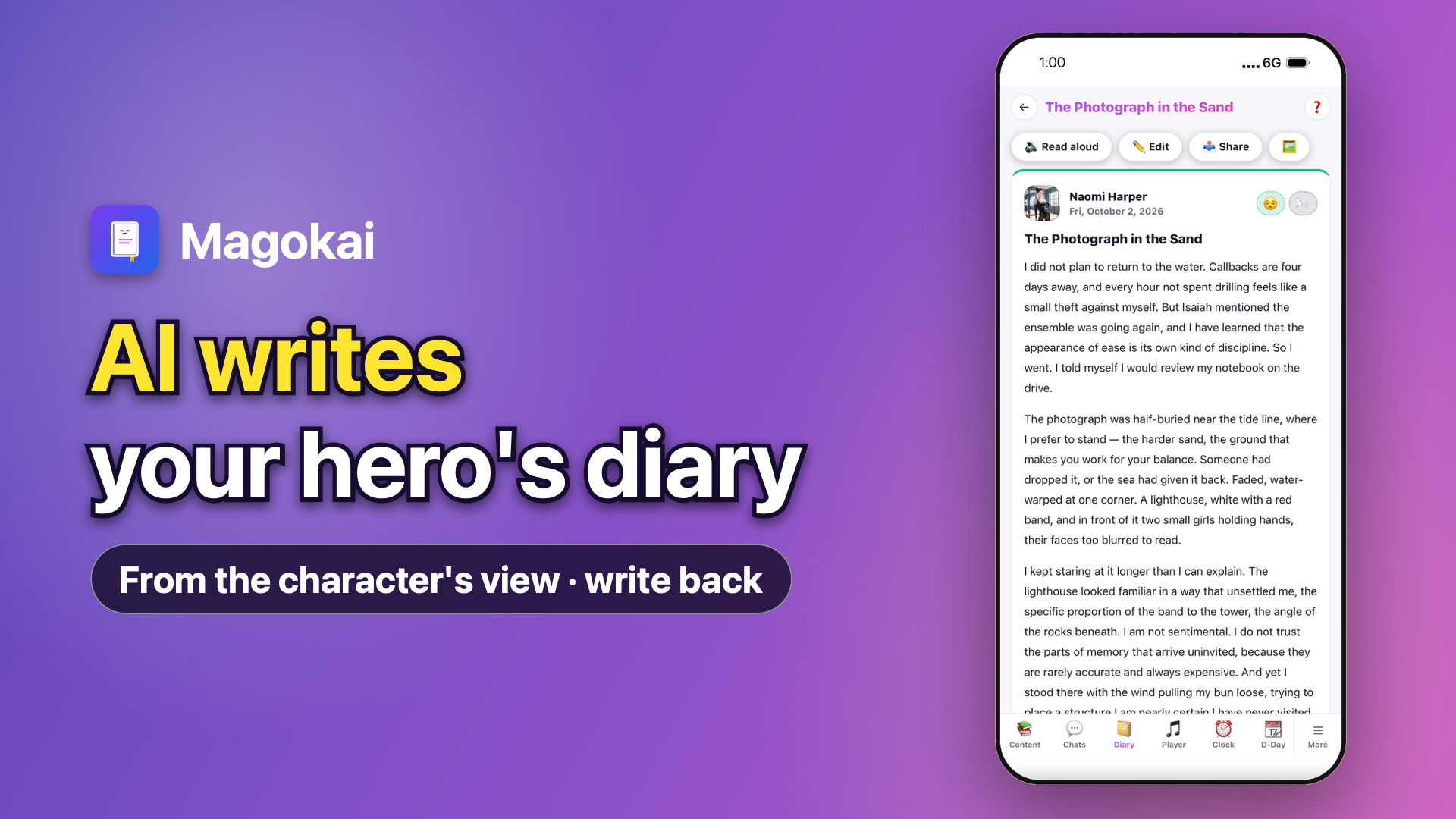
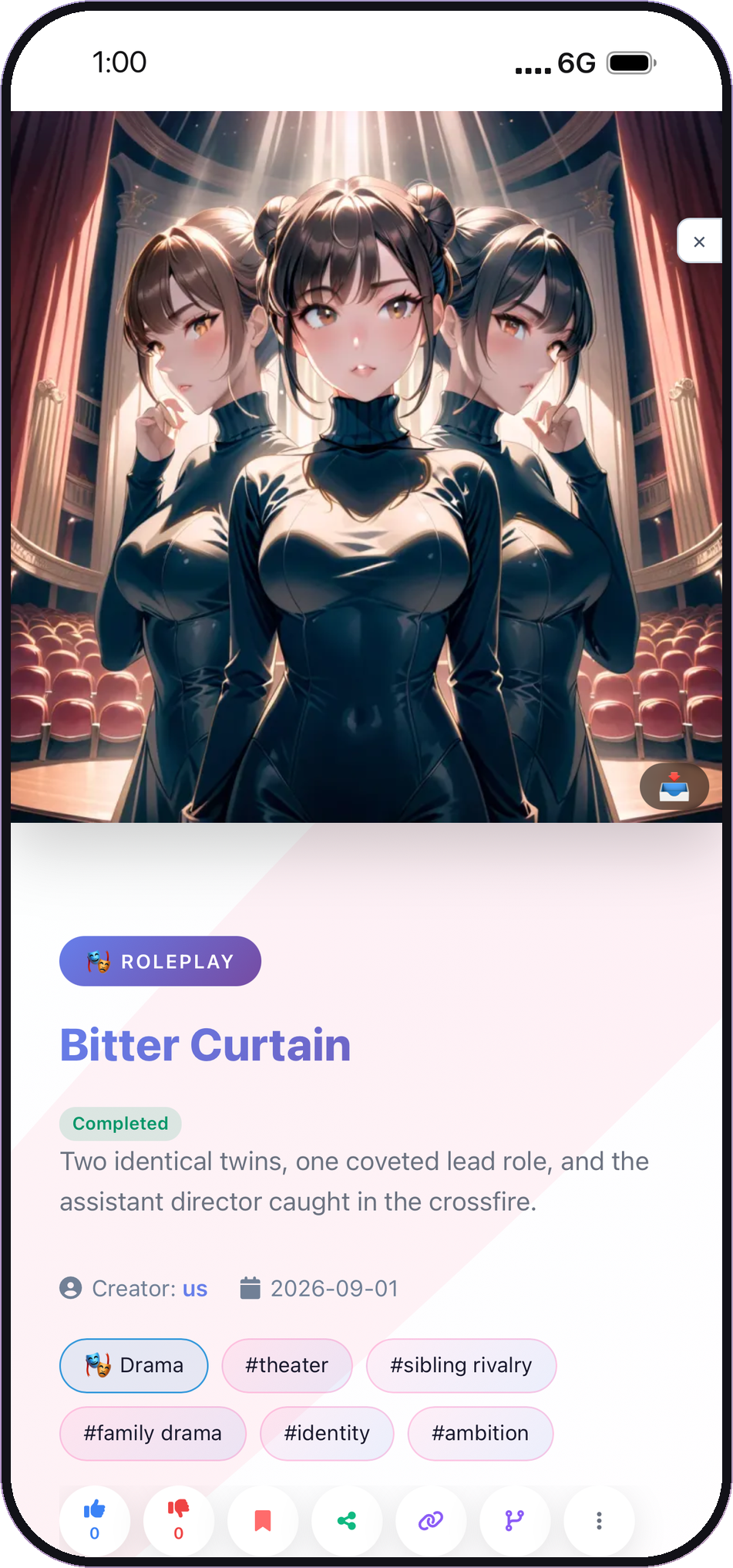
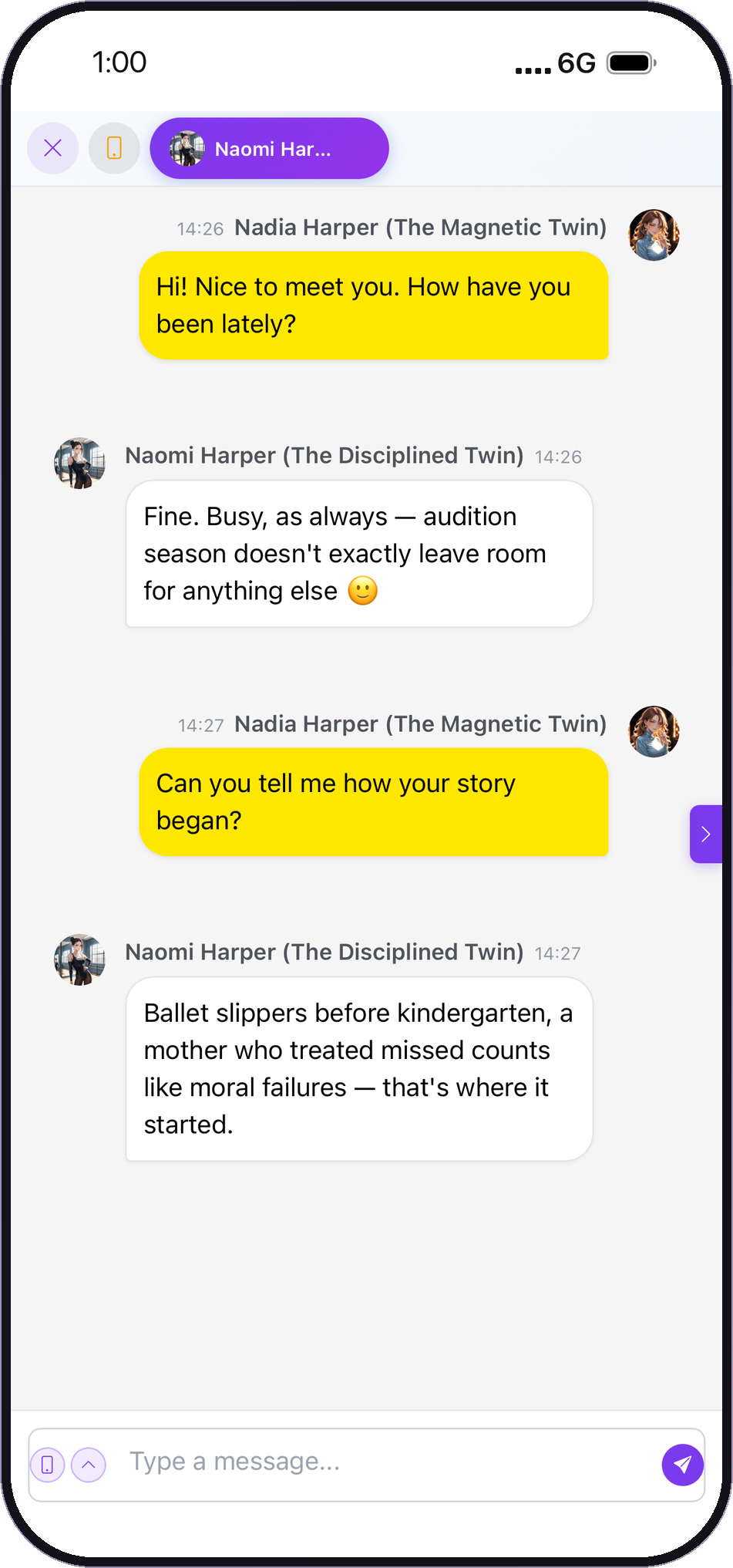
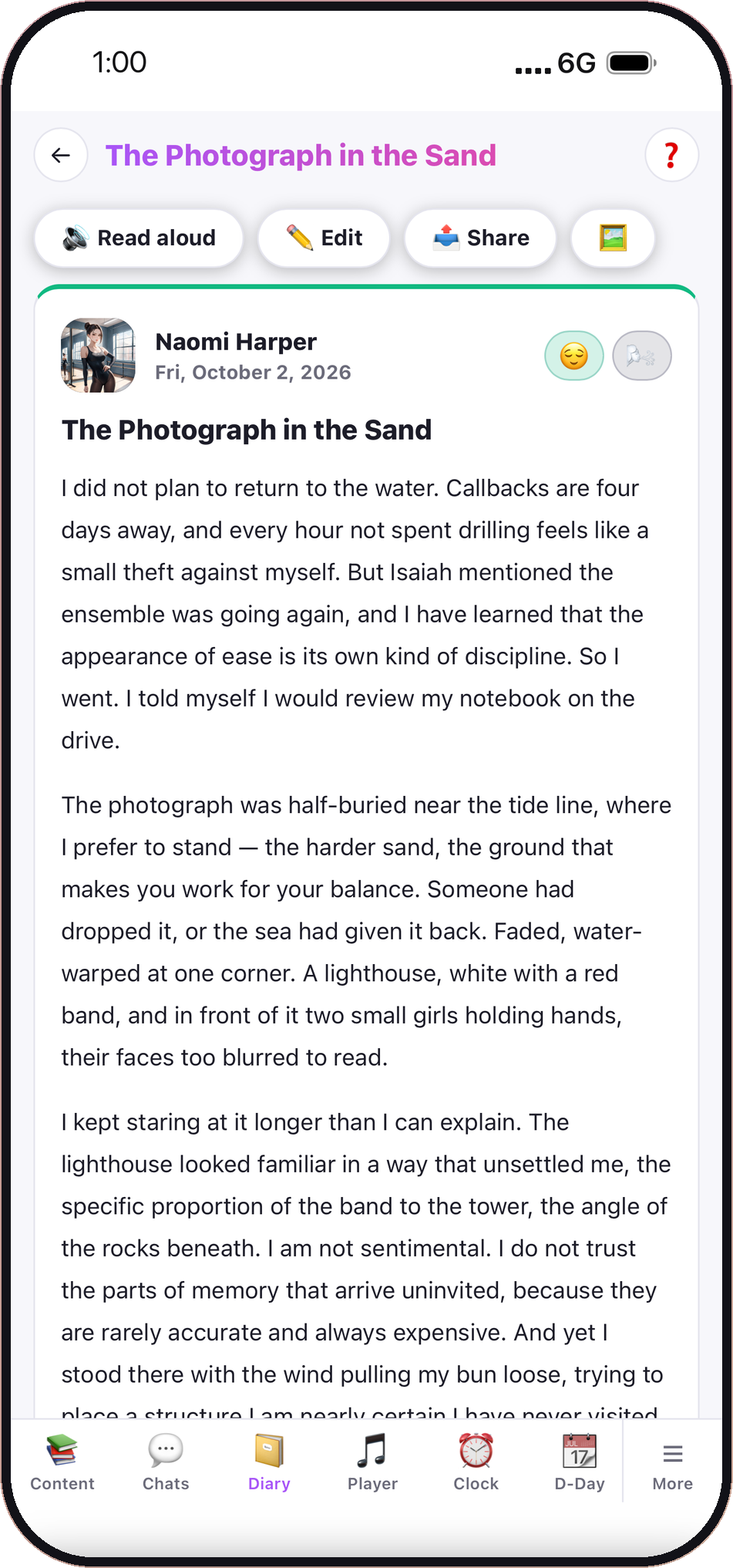
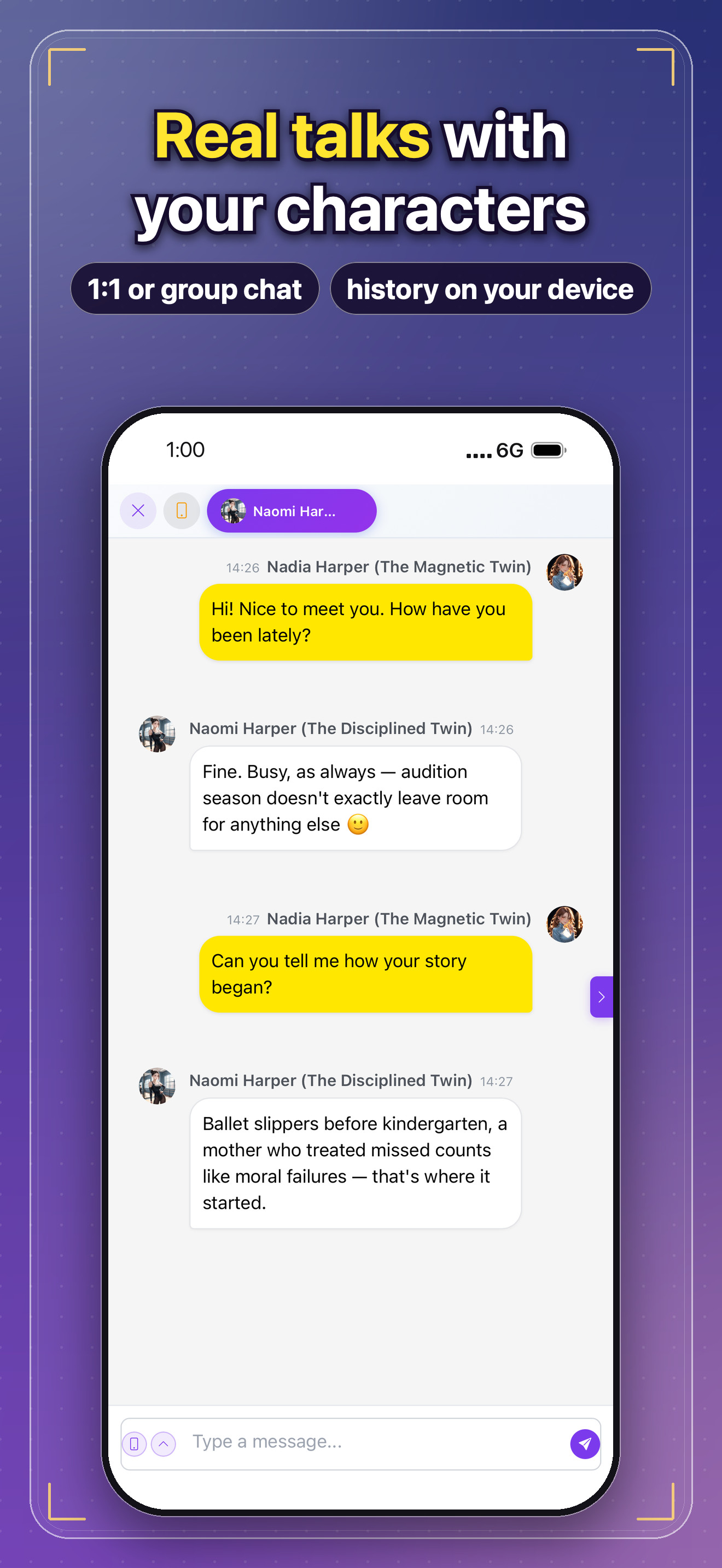
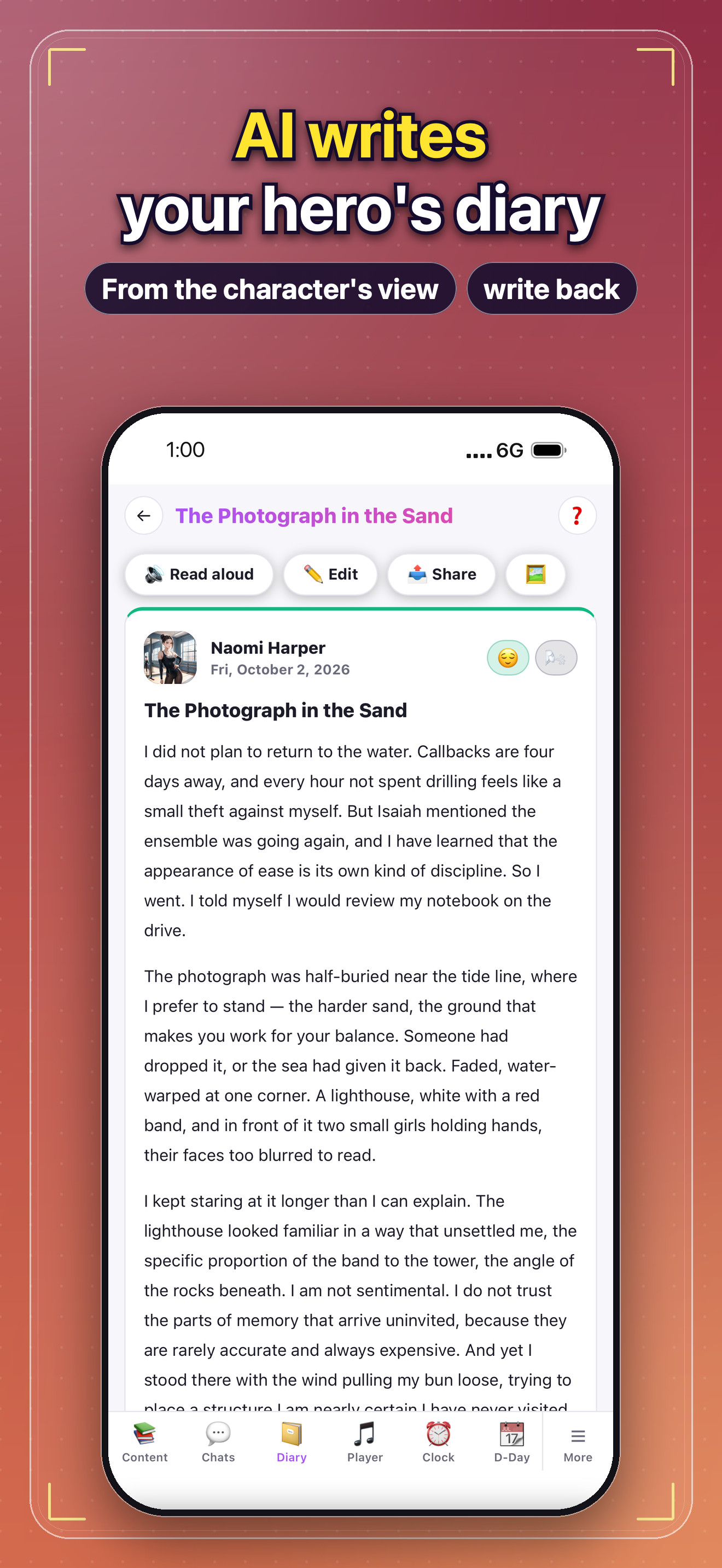
To start a story, a reader picks characters, a world and a genre. Magokai’s AI writes the whole novel, and every character can be messaged directly — each one answers in its own voice and remembers the story so far. Group chats bring several characters into one conversation, and an AI diary lets a character write about its day from its own point of view.

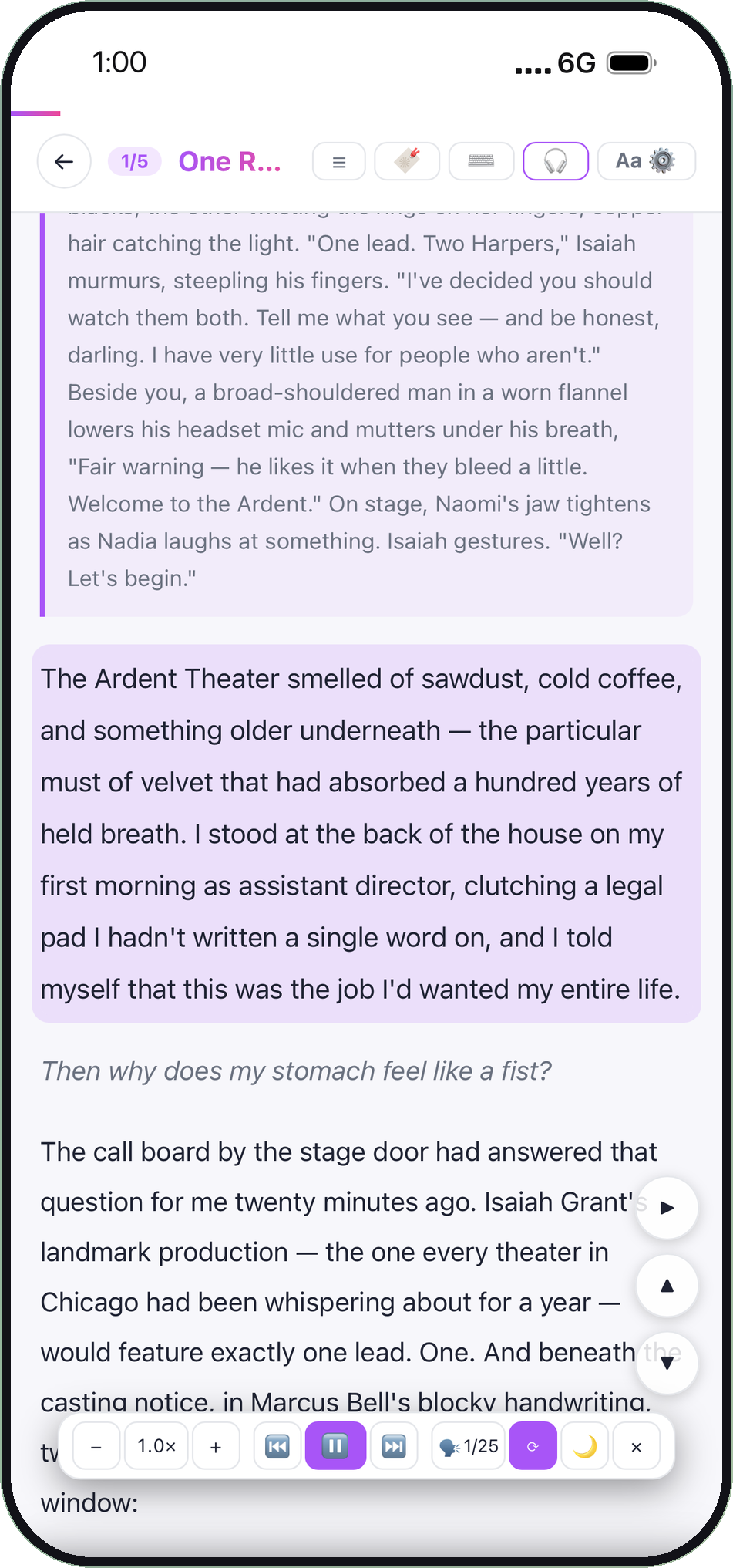
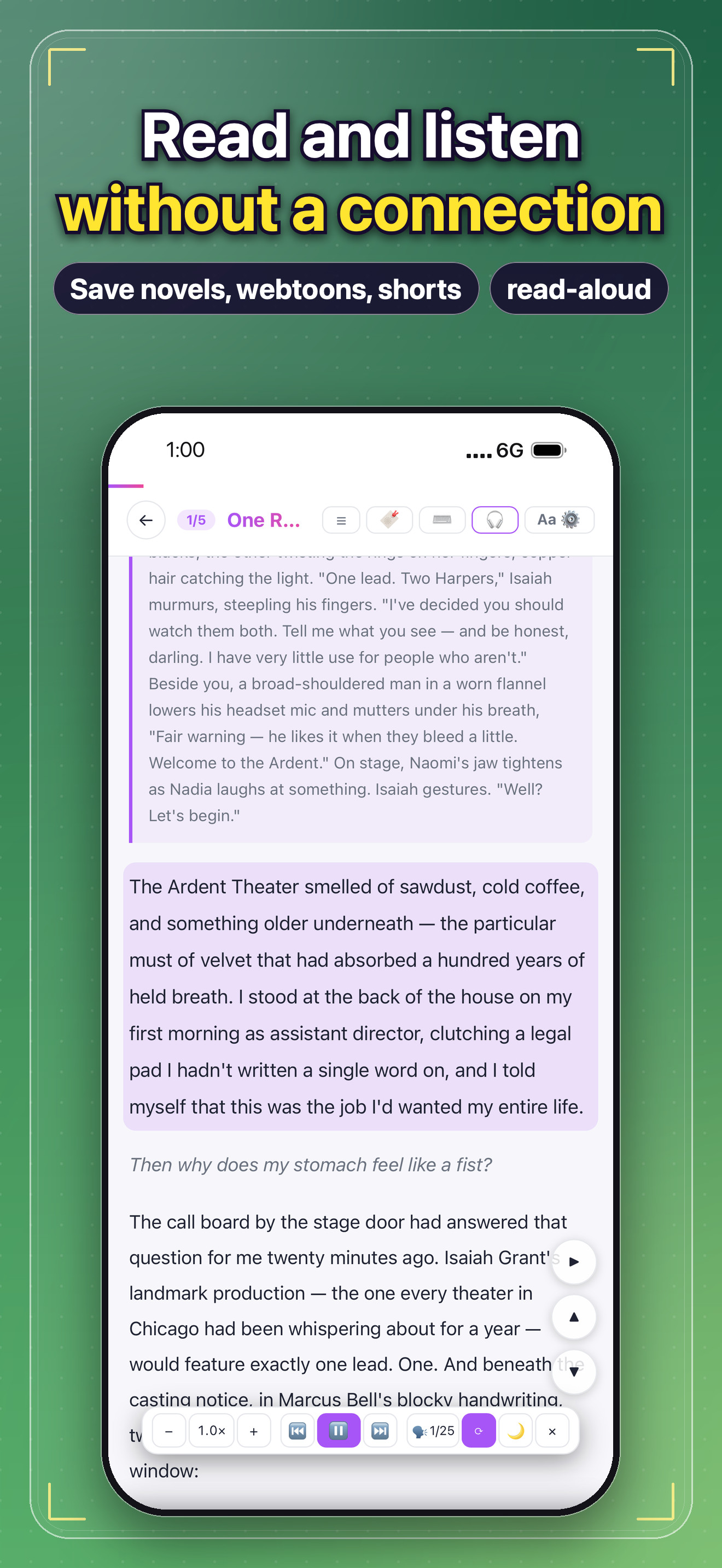
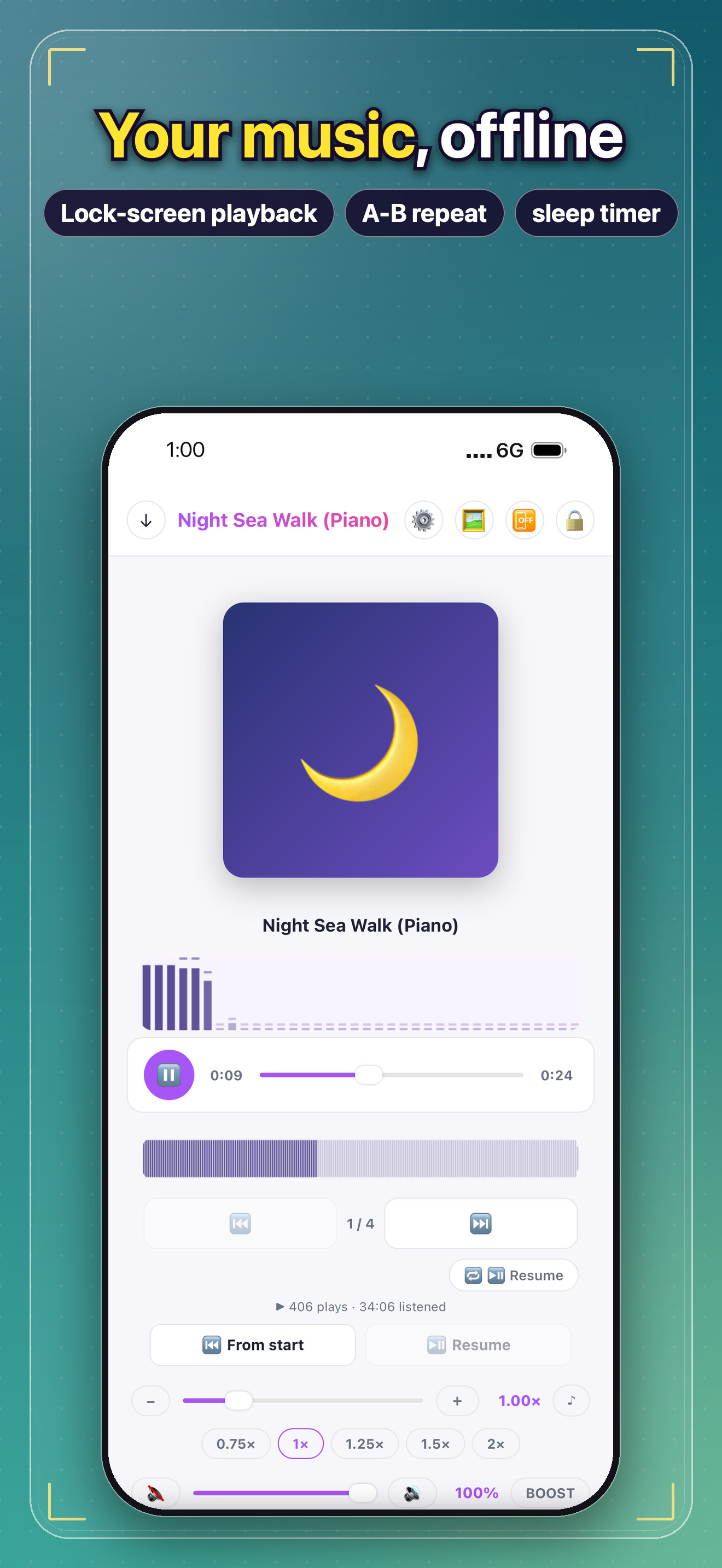
Magokai is built for readers everywhere: the app, the chats and the novels switch between 76 languages inside the app, and the store listings cover 102 markets. Saved stories, chats and diaries live on the reader’s device rather than on Magokai’s servers, with backups the reader controls. An offline reader with read-aloud, an offline music and video player, alarms, a world clock and home-screen widgets all work without a connection.

Magokai is free to download on iPhone and iPad (iOS 16 or later) and on Android phones and tablets (Android 7.0 or later), with optional in-app purchases and subscriptions. The web version is at magokai.com. Press materials — logos, screenshots, key visuals and ready-made ads in every supported language — are at magokoroai.com/press.

About Magokai

Magokai is an AI web novel and character chat app from MagokoroAI. Pick your characters, a world and a genre, and the AI writes a whole novel — read it as a novel, or watch it as a webtoon or shorts. Talk one-on-one with a character you made or a hero you love, pull several characters into a group chat, and receive AI diaries written from a character’s point of view.

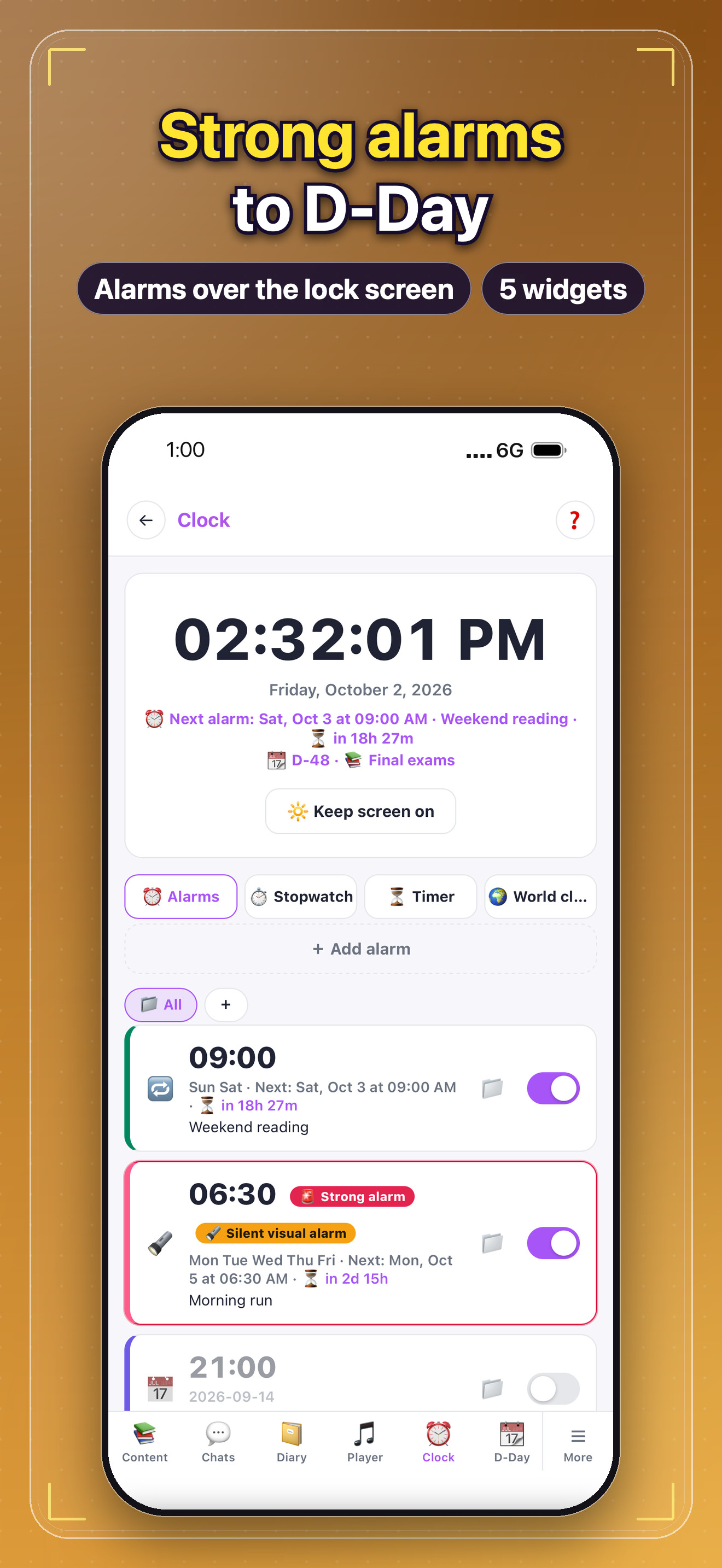
Saved stories, chats and diaries live on the user’s device, not on Magokai’s servers. An offline reader with read-aloud, an offline music and video player, strong alarms that show over the lock screen, a world clock, flashcards and five home-screen widgets all work with no connection. Magokai is available in 76 languages on iOS and Android, and on the web at magokai.com.

About MagokoroAI

MagokoroAI, Inc. is an AI company based in the International Business District near Incheon International Airport, Republic of Korea. It builds magokai.com, a next-generation AI character platform where anyone can create AI characters, talk with them and co-author stories, and allsns.com, a link-in-bio service for characters and creators. The name comes from the Japanese word magokoro (まごころ), sincerity — experiences connected not just by code, but by heart.

Press contact: cs@magokoroai.com · magokoroai.com/press
Magokai in numbers

Public figures from magokai.com, refreshed each time this page is published.

76Languages
102Store markets
6,077Public stories
35,036Public characters

As of · magokai.com

Boilerplate

Approved descriptions in three lengths. Copy the one that fits your story.

One line

Magokai is an AI web novel and character chat app by MagokoroAI, available in 76 languages on iOS and Android.

Short

Magokai is an AI web novel and character chat app from MagokoroAI. Pick your characters, a world and a genre, and the AI writes the novel — then chat with the characters inside it, one-on-one or in a group. Stories, chats and diaries stay on your device. Free on the App Store and Google Play, in 76 languages.

Full

Magokai is an AI web novel and character chat app from MagokoroAI. Pick your characters, a world and a genre, and the AI writes a whole novel — read it as a novel, or watch it as a webtoon or shorts. Talk one-on-one with a character you made or a hero you love, pull several characters into a group chat, and receive AI diaries written from a character’s point of view.

Saved stories, chats and diaries live on the user’s device, not on Magokai’s servers. An offline reader with read-aloud, an offline music and video player, strong alarms that show over the lock screen, a world clock, flashcards and five home-screen widgets all work with no connection. Magokai is available in 76 languages on iOS and Android, and on the web at magokai.com.

Logo intro video

An 8-second brand sting for the start or end of videos, broadcast segments and presentations. Use it as is, or take the silent version and add your own music.

1920×1080 · 30 fps · 8.3 s · H.264 / AAC stereo · 11.0 MB (with sound), 10.9 MB (video only)

Narration and on-screen text are in English.

More formats

Logo and app icon

Transparent PNG files with clear space already built in. Use the white lockup on dark or colored backgrounds and the dark lockup on light backgrounds.

All logos (ZIP) · 1.1 MB↓

Horizontal lockup, white2923×1133 · PNG · 65 KB · for dark backgrounds
↓
Horizontal lockup, dark2923×1133 · PNG · 75 KB · for light backgrounds
↓
Stacked lockup, white2389×2167 · PNG · 83 KB · for dark backgrounds
↓
Stacked lockup, dark2389×2167 · PNG · 93 KB · for light backgrounds
↓
Wordmark, white1969×766 · PNG · 33 KB · for dark backgrounds
↓
Wordmark, dark1969×766 · PNG · 43 KB · for light backgrounds
↓

App icon

App icon, 1024×10241024×1024 · PNG · 32 KB · rounded corners, transparent
↓
App icon, 512×512512×512 · PNG · 14 KB · rounded corners, transparent
↓
App icon, square 1024×10241024×1024 · PNG · 27 KB · no corner mask
↓

Print size

Twice the pixel size, for print and large formats.

Horizontal lockup, white 2×5849×2268 · PNG · 151 KB · for dark backgrounds
↓
Horizontal lockup, dark 2×5849×2268 · PNG · 174 KB · for light backgrounds
↓
Stacked lockup, white 2×4777×4334 · PNG · 200 KB · for dark backgrounds
↓
Stacked lockup, dark 2×4777×4334 · PNG · 223 KB · for light backgrounds
↓
Wordmark, white 2×3937×1531 · PNG · 75 KB · for dark backgrounds
↓
Wordmark, dark 2×3937×1531 · PNG · 97 KB · for light backgrounds
↓

Logo on backgrounds

Logo on brand gradient, 1920×10801920×1080 · PNG · 1.2 MB
↓
Logo on dark, 1920×10801920×1080 · PNG · 51 KB
↓
Logo on white, 1920×10801920×1080 · JPG · 67 KB
↓

Key visuals

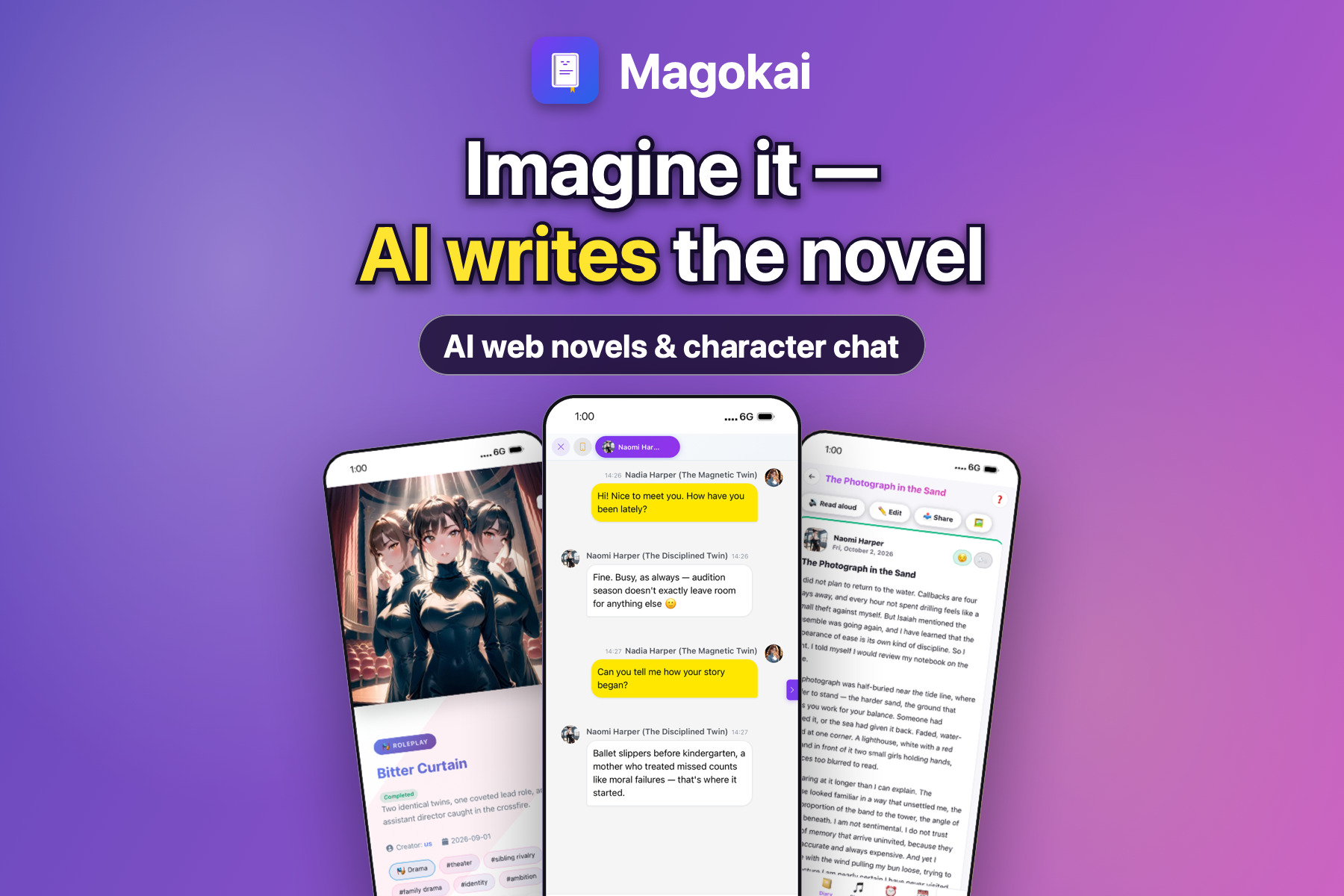
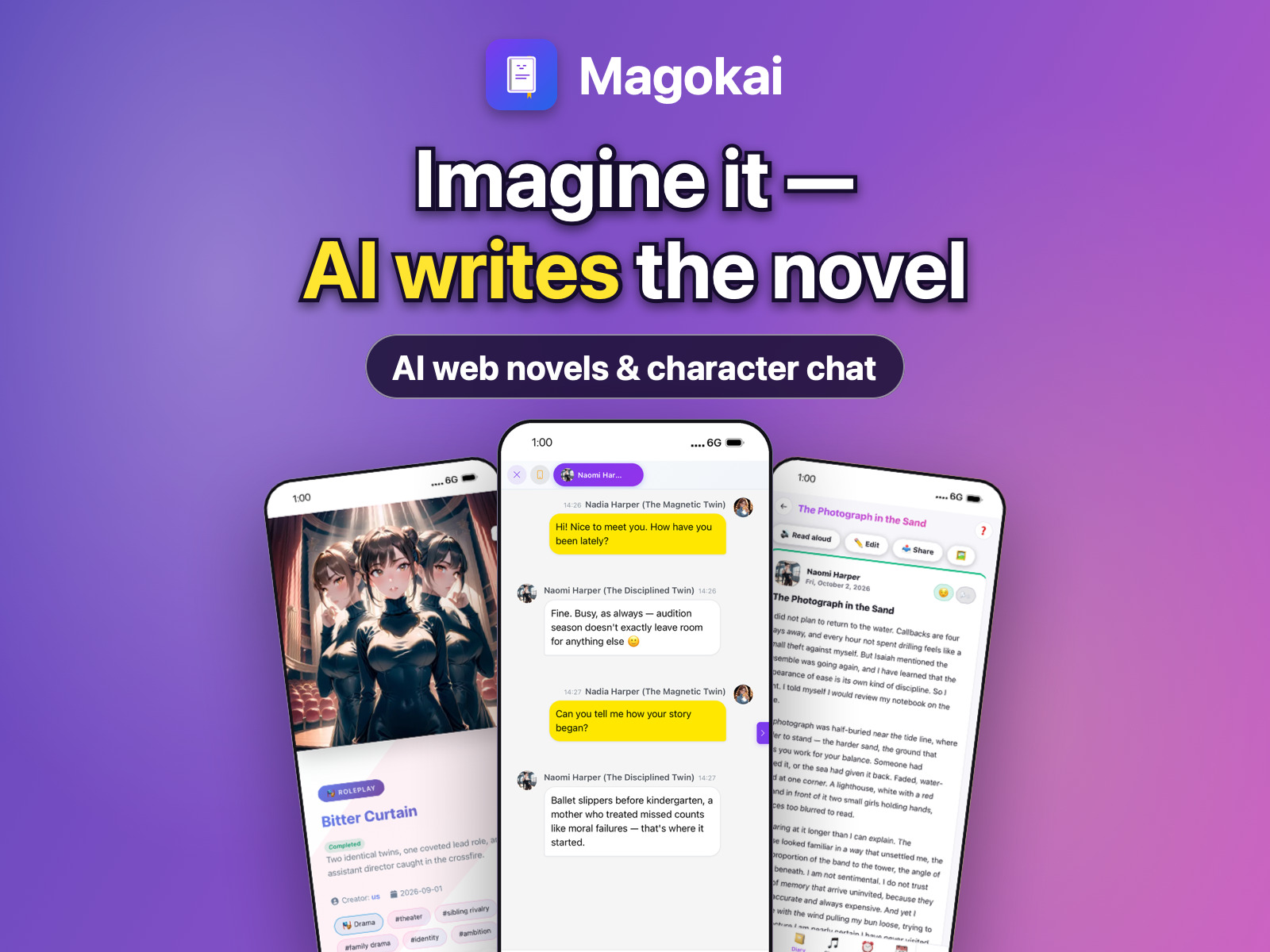
The main campaign image with real app screens, in the sizes news sites, social cards and ad placements ask for. JPG, sRGB.

This section as ZIP · 3.6 MB↓

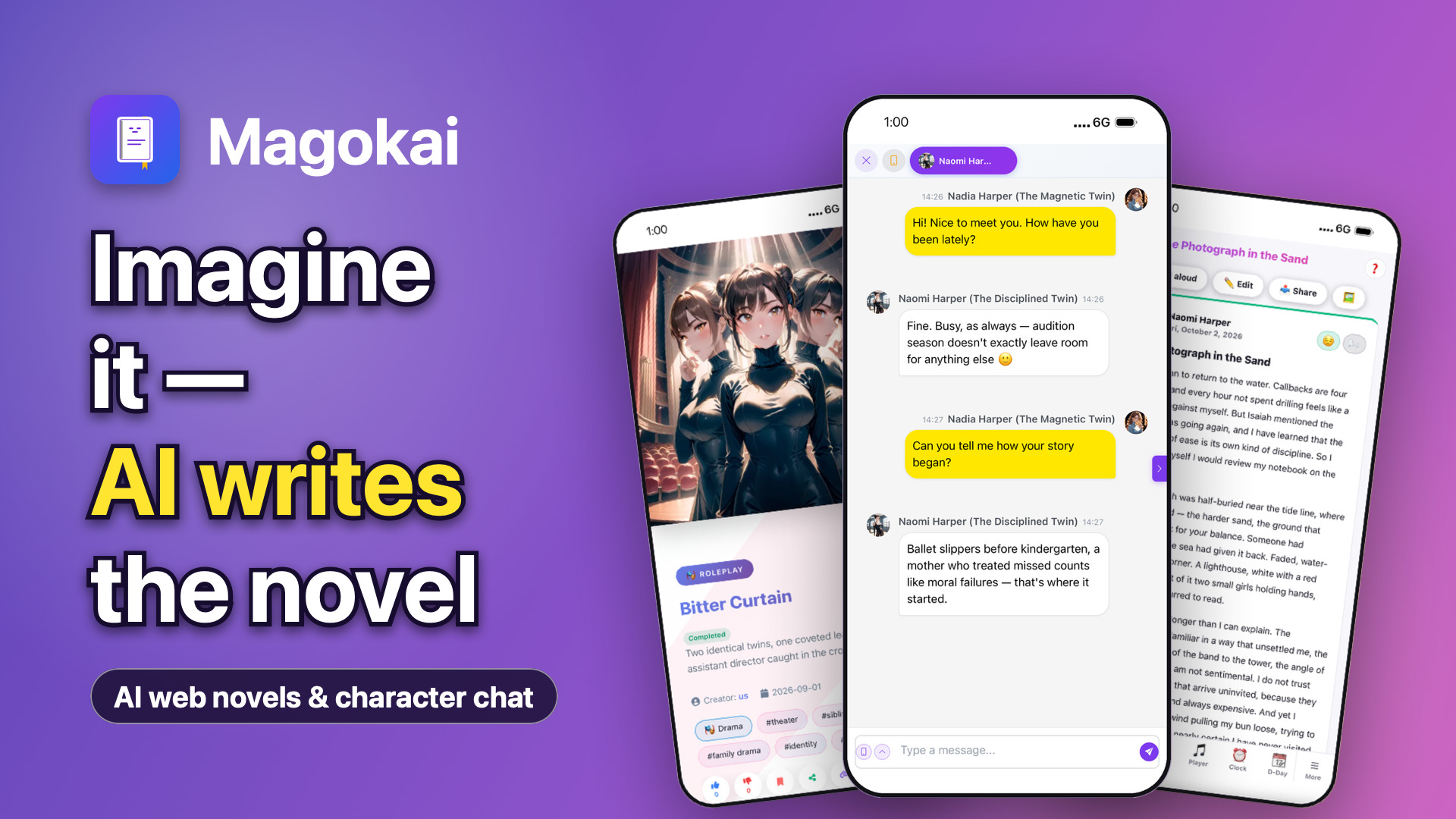
Key visual 1920×10801920×1080 · JPG · 379 KB · 16:9
↓
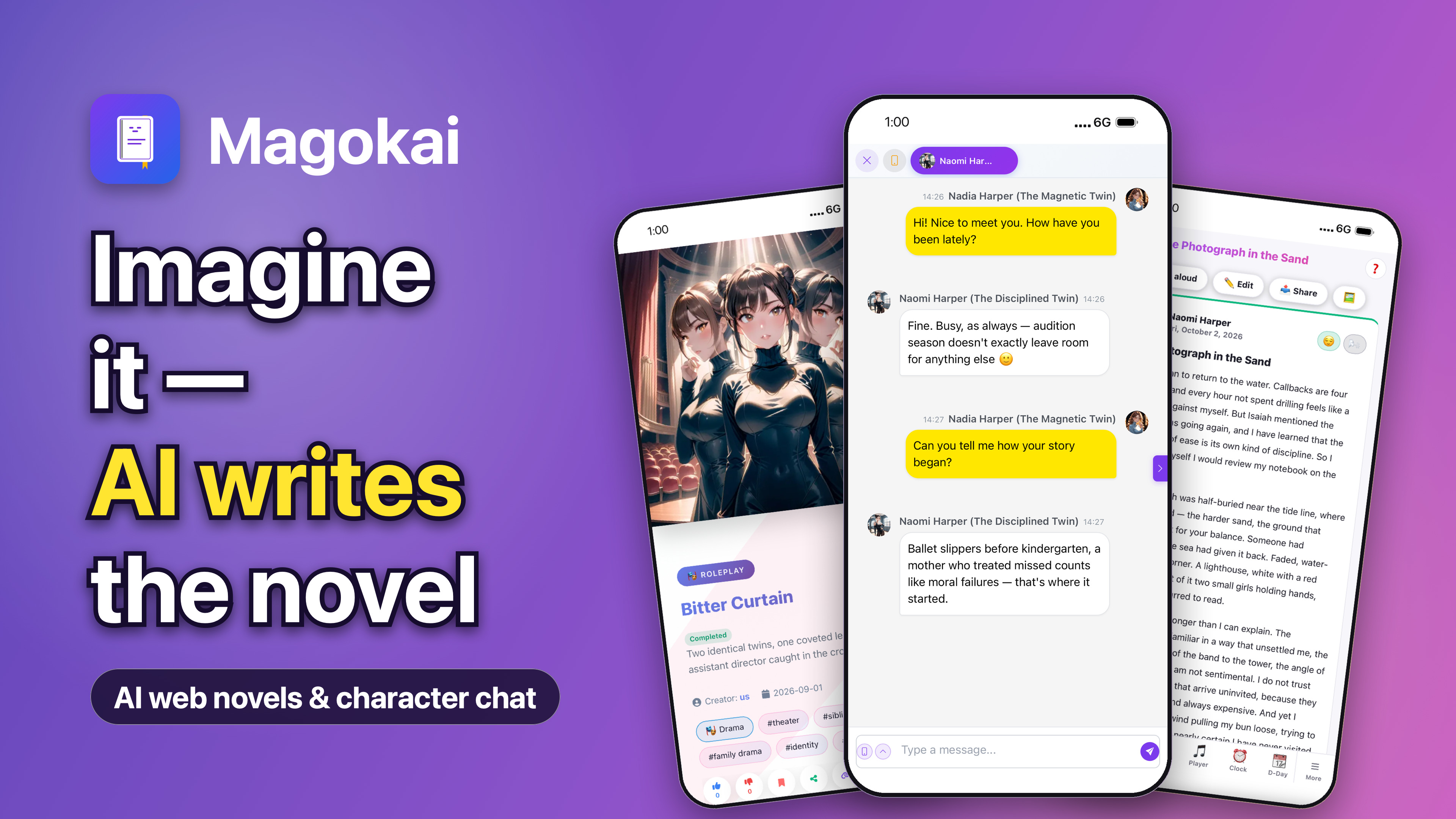
Key visual 3840×21603840×2160 · JPG · 992 KB · 16:9, 4K
↓
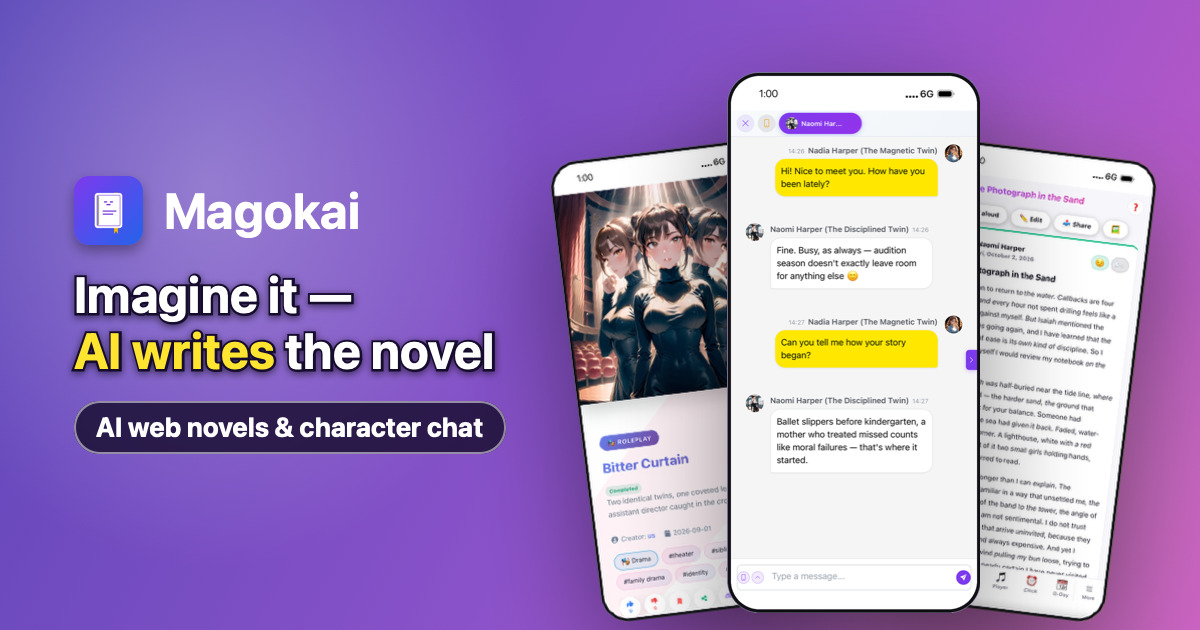
Key visual 1200×6301200×630 · JPG · 159 KB · 1.91:1, link previews
↓
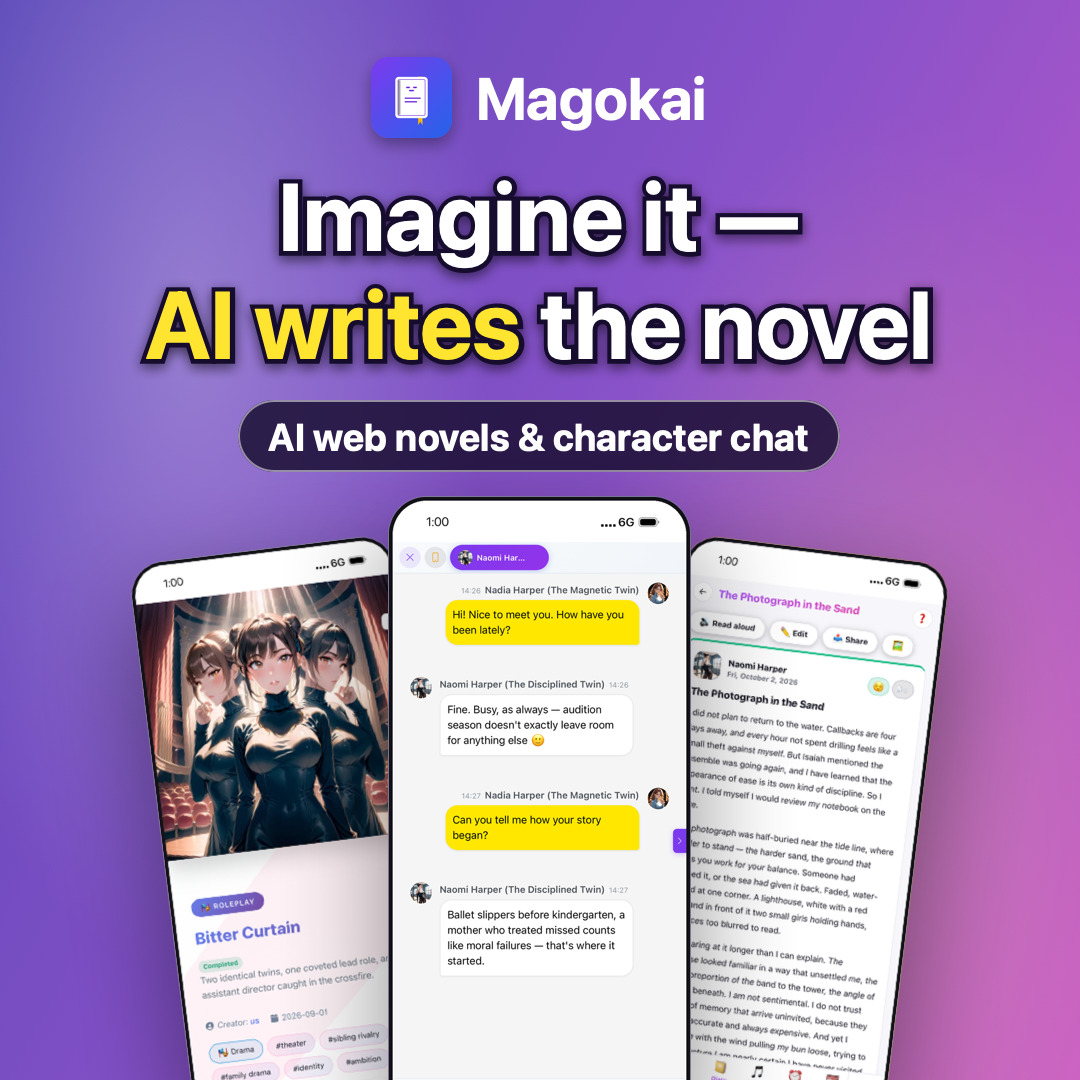
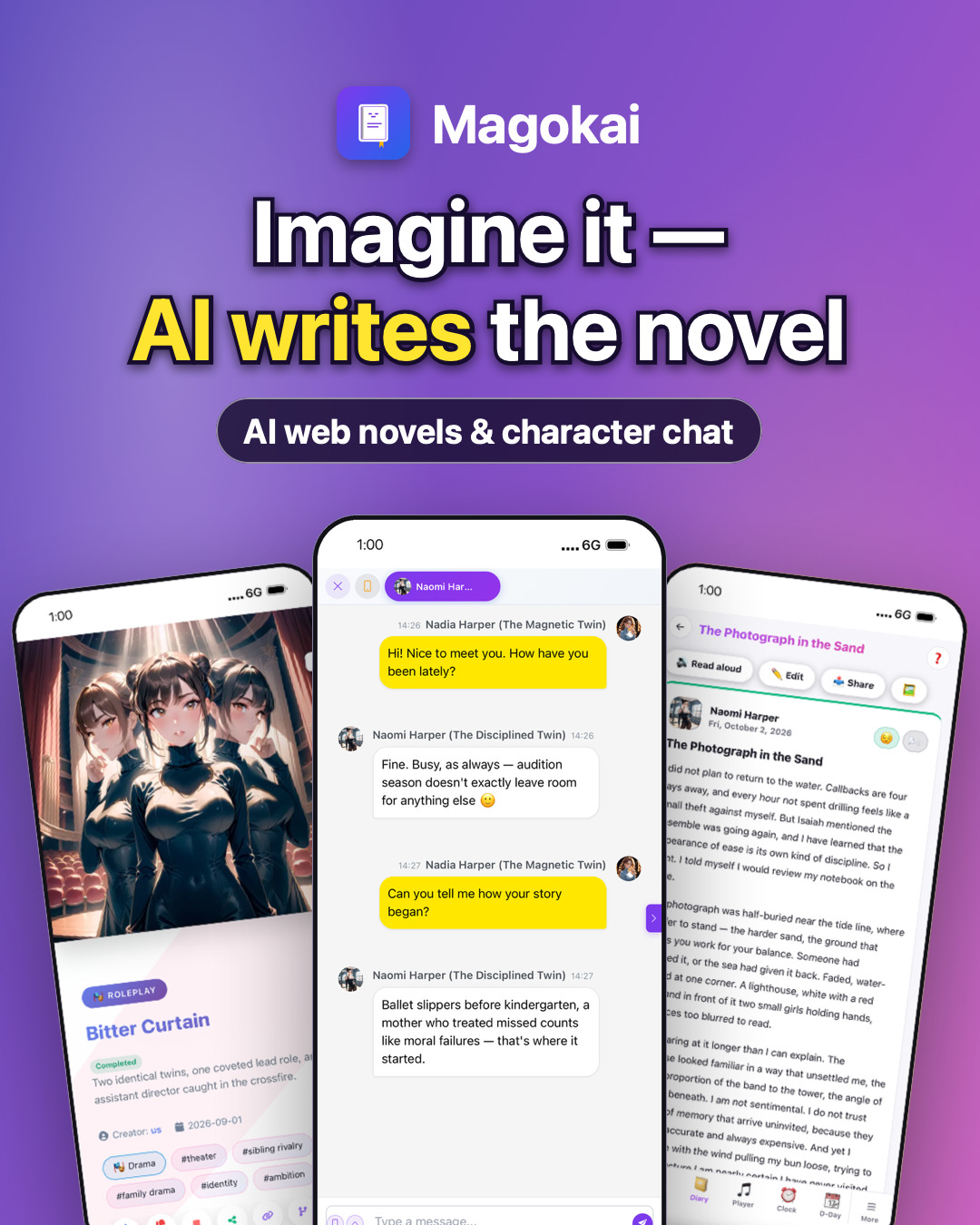
Key visual 1080×10801080×1080 · JPG · 251 KB · 1:1
↓
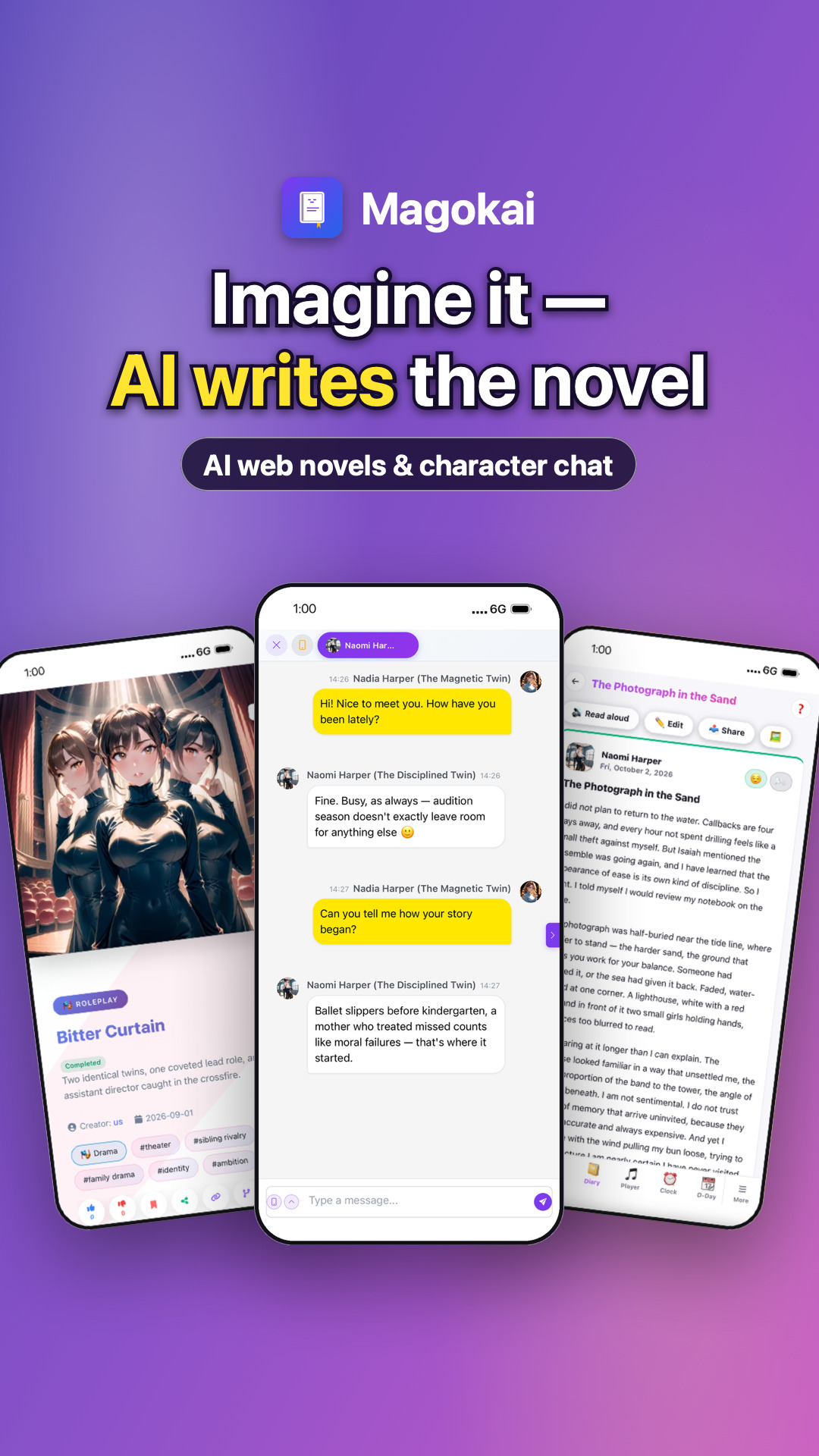
Key visual 1080×13501080×1350 · JPG · 327 KB · 4:5
↓
Key visual 1080×19201080×1920 · JPG · 372 KB · 9:16
↓
Key visual 1800×12001800×1200 · JPG · 316 KB · 3:2
↓
Key visual 1600×12001600×1200 · JPG · 311 KB · 4:3
↓

Launch visuals

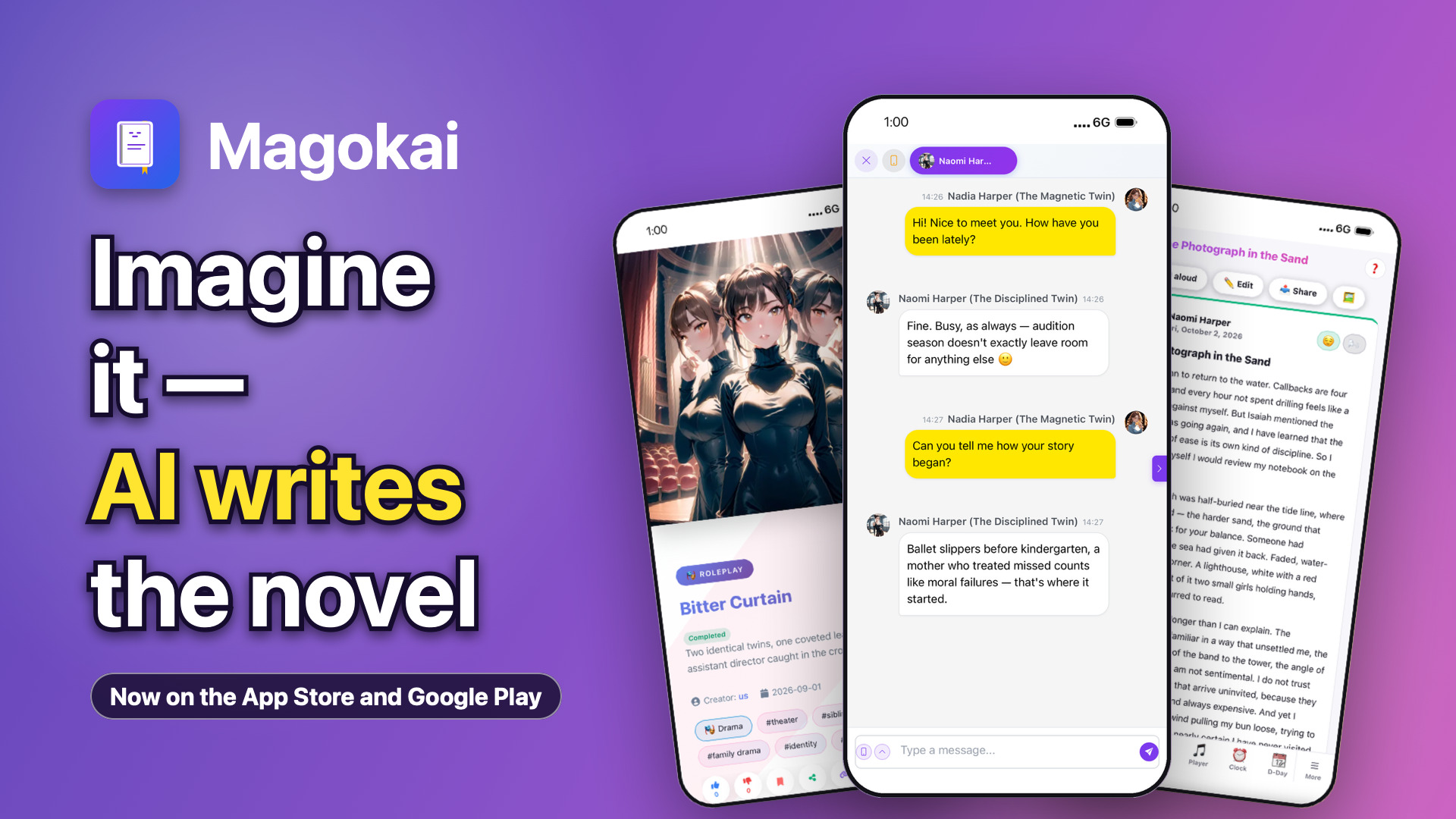
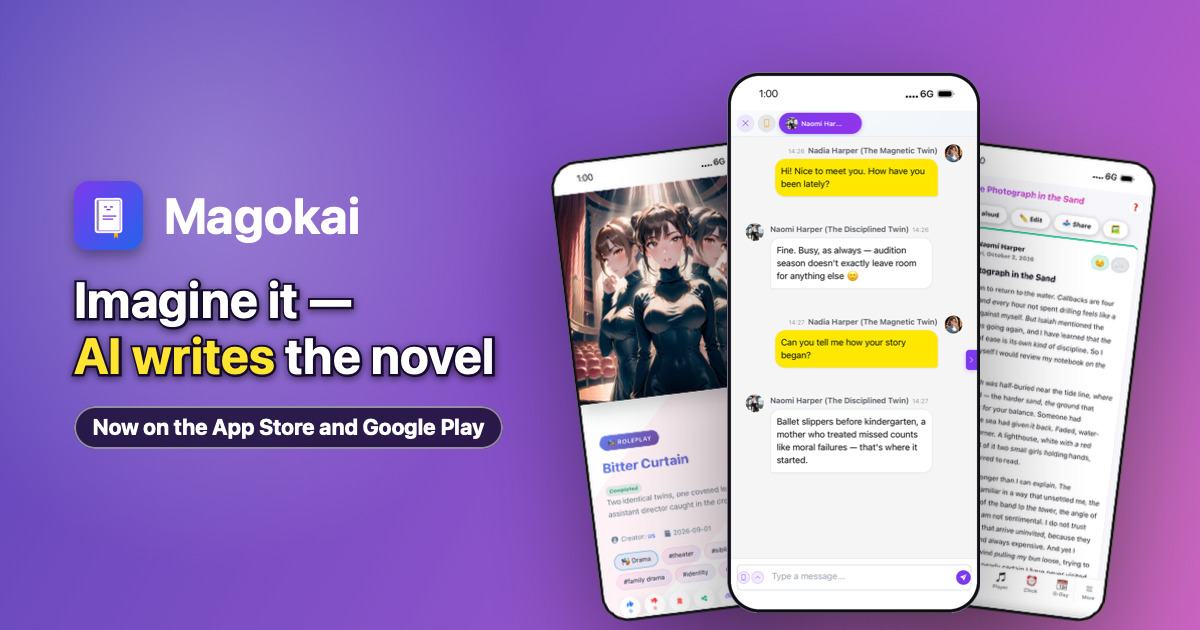
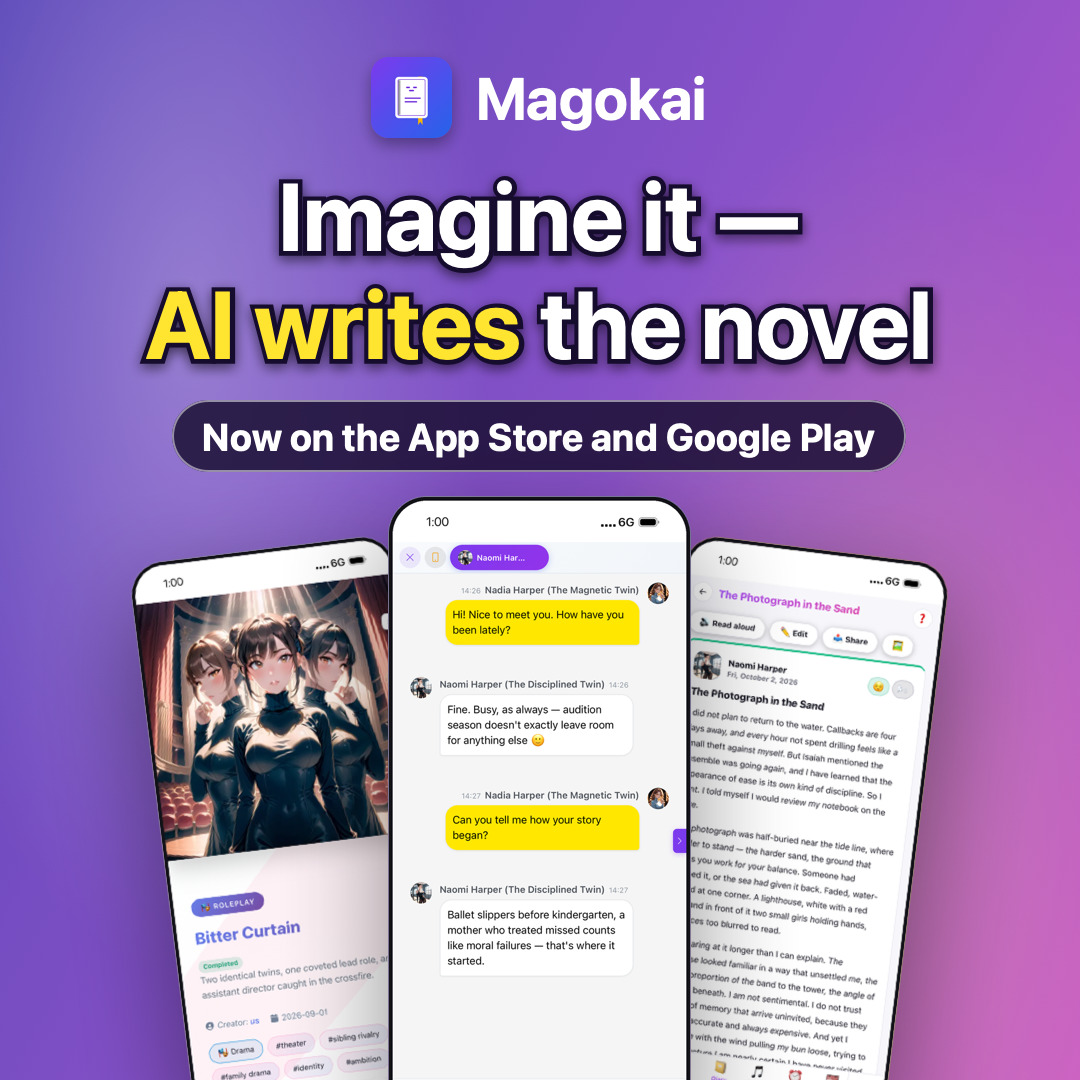
Same image with the line “Now on the App Store and Google Play” — for launch announcements once the app is live.

Launch visual 1920×10801920×1080 · JPG · 381 KB · 16:9
↓
Launch visual 1200×6301200×630 · JPG · 160 KB · 1.91:1, link previews
↓
Launch visual 1080×10801080×1080 · JPG · 254 KB · 1:1
↓

Display ads

Ready-to-run banners in the nine standard IAB sizes, with this language’s text and real app screens. JPG, sRGB.

This section as ZIP · 238 KB↓

Display ad 300×250300×250 · JPG · 21 KB
↓
Display ad 336×280336×280 · JPG · 24 KB
↓
Display ad 728×90728×90 · JPG · 20 KB
↓
Display ad 970×90970×90 · JPG · 22 KB
↓
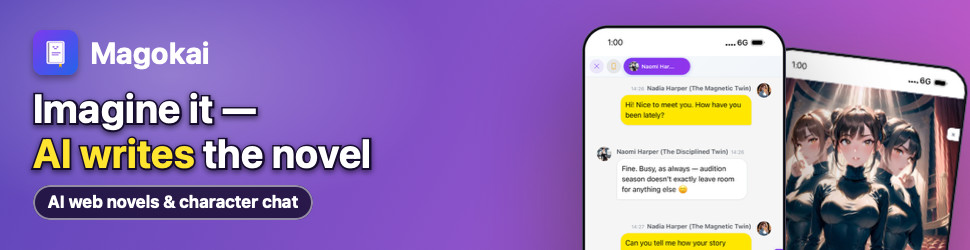
Display ad 970×250970×250 · JPG · 62 KB
↓
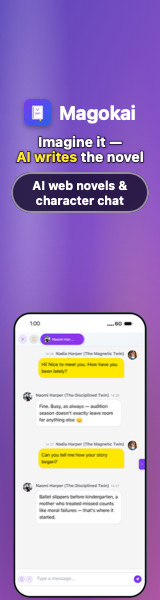
Display ad 160×600160×600 · JPG · 25 KB
↓
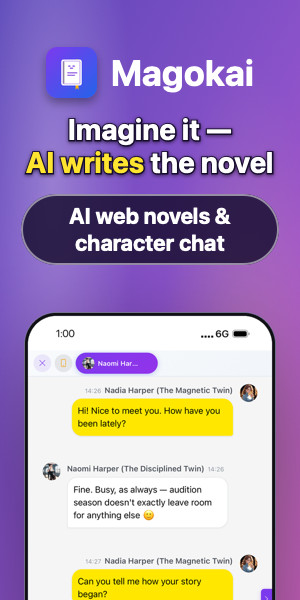
Display ad 300×600300×600 · JPG · 50 KB
↓
Display ad 320×50320×50 · JPG · 6 KB
↓
Display ad 320×100320×100 · JPG · 10 KB
↓

Social covers

Profile covers and share images sized for each network, with the avatar and mobile-crop safe areas already respected.

This section as ZIP · 540 KB↓

X header1500×500 · JPG · 117 KB
↓
Facebook cover820×312 · JPG · 37 KB
↓
LinkedIn cover1128×191 · JPG · 28 KB
↓
YouTube banner2560×1440 · JPG · 304 KB
↓
KakaoTalk share image800×400 · JPG · 74 KB
↓

One image per feature

Real app screens with the headline for each feature — for inline article images and feature round-ups. 1920×1080 JPG.

This section as ZIP · 1.8 MB↓

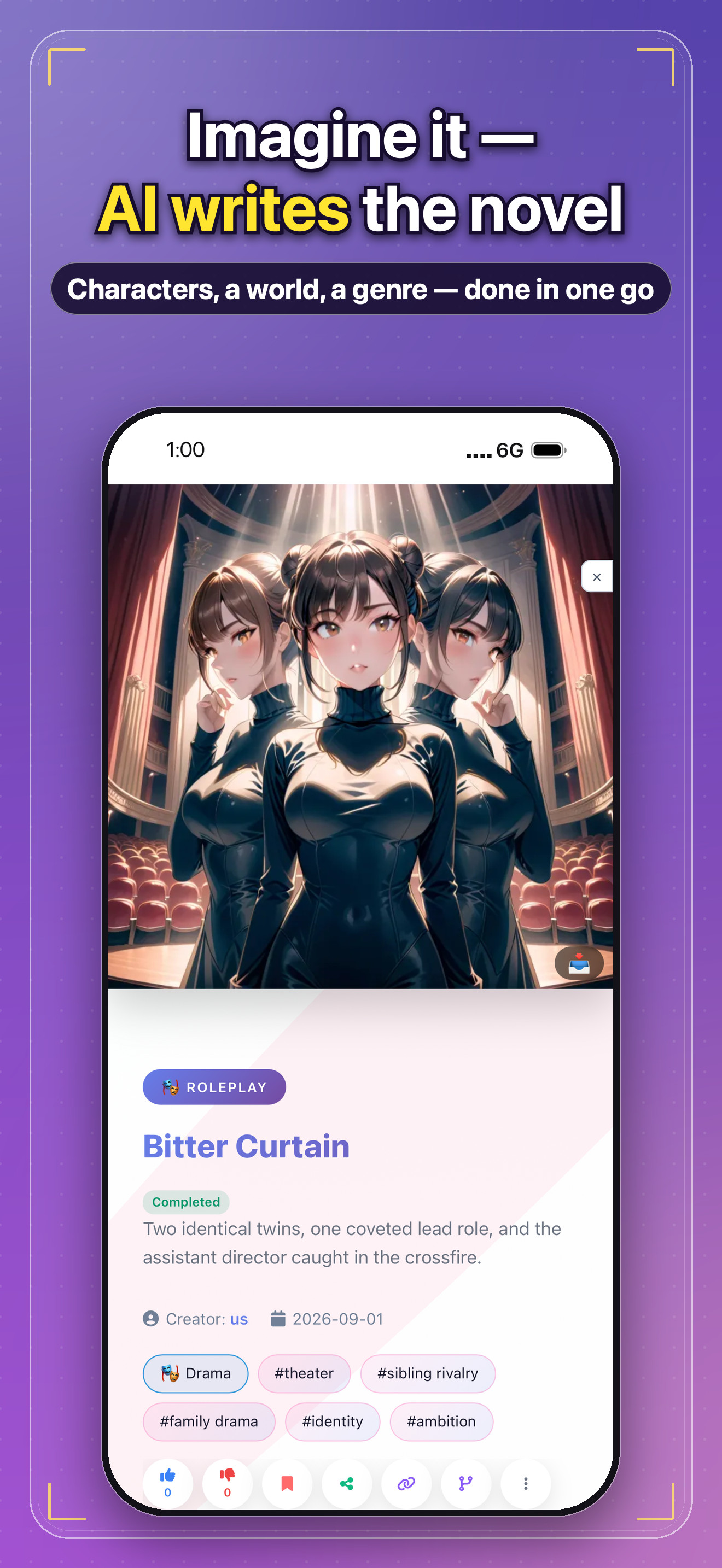
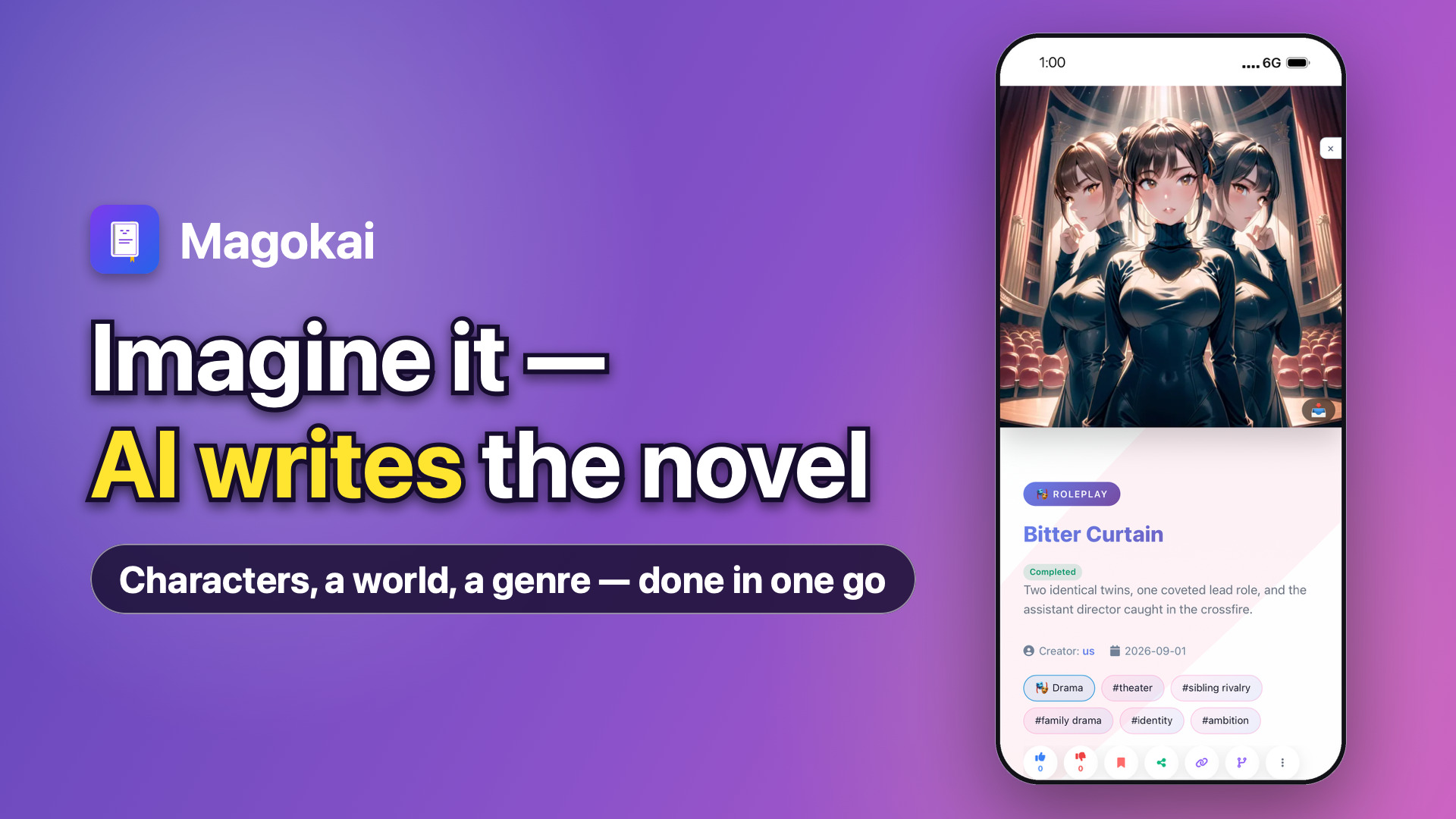
AI web novels1920×1080 · JPG · 311 KB · Imagine it — AI writes the novel
↓
Character chat1920×1080 · JPG · 259 KB · Real talks with your characters
↓
AI diary1920×1080 · JPG · 298 KB · AI writes your hero's diary
↓
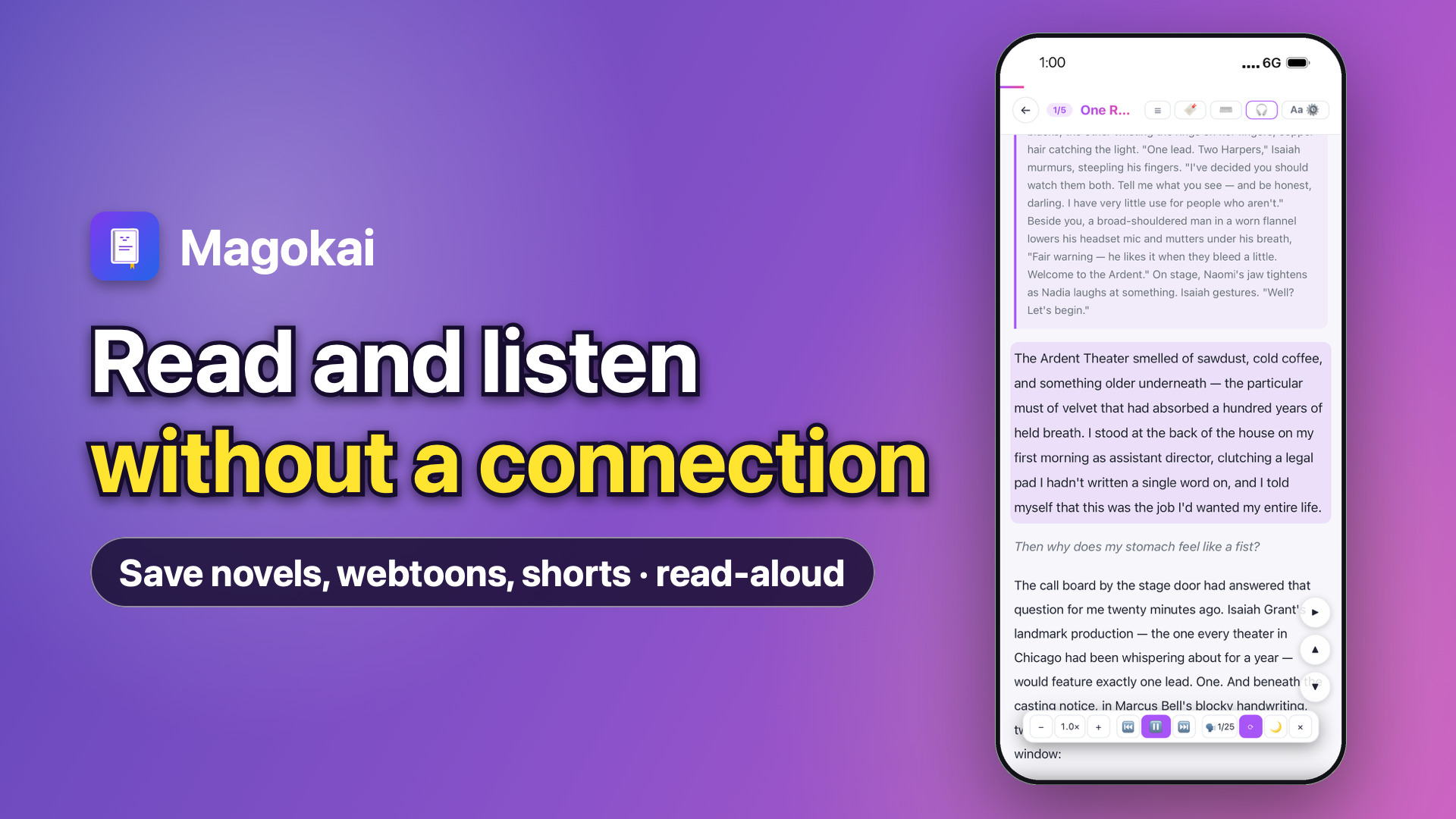
Offline reader1920×1080 · JPG · 334 KB · Read and listen without a connection
↓
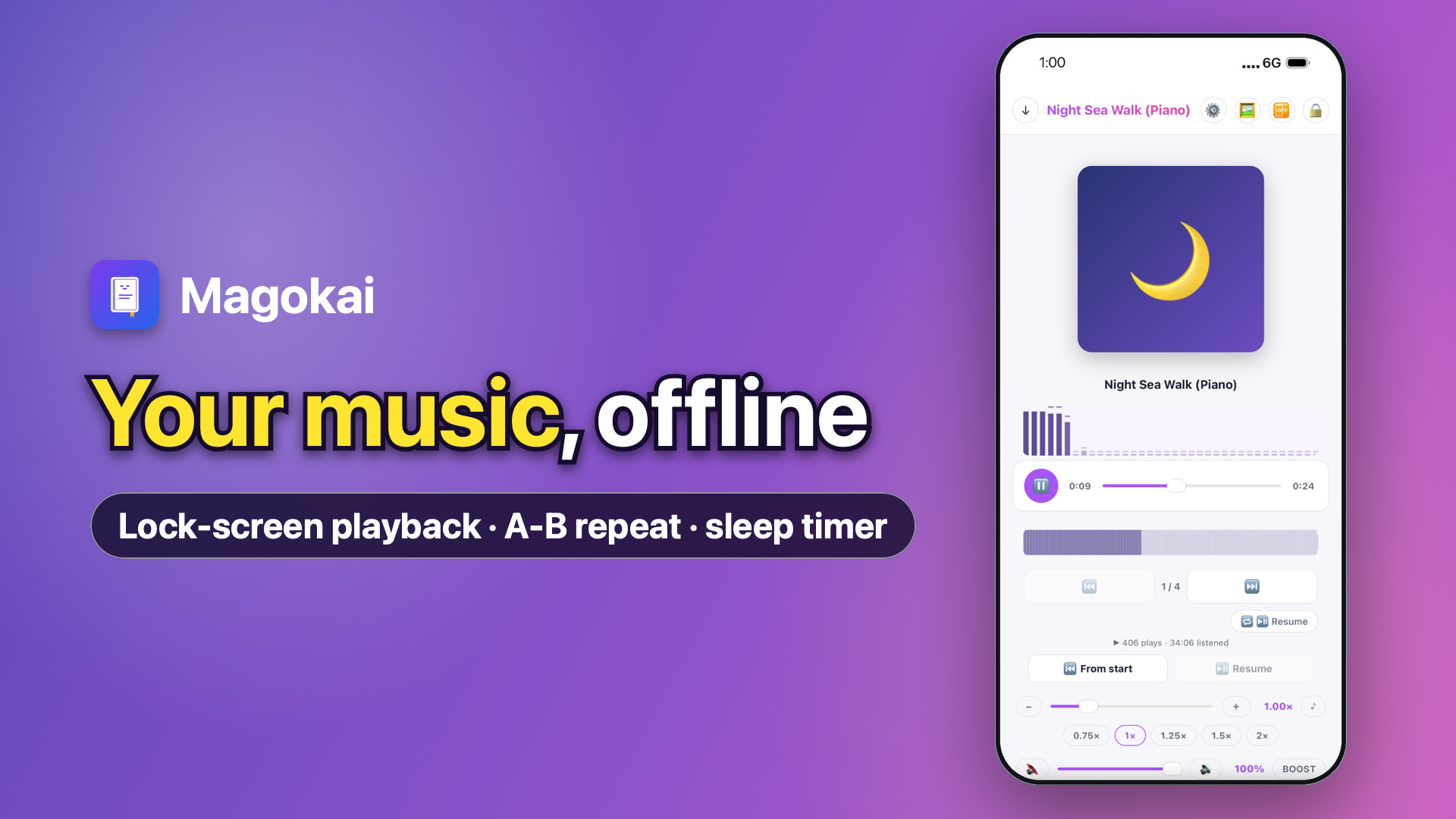
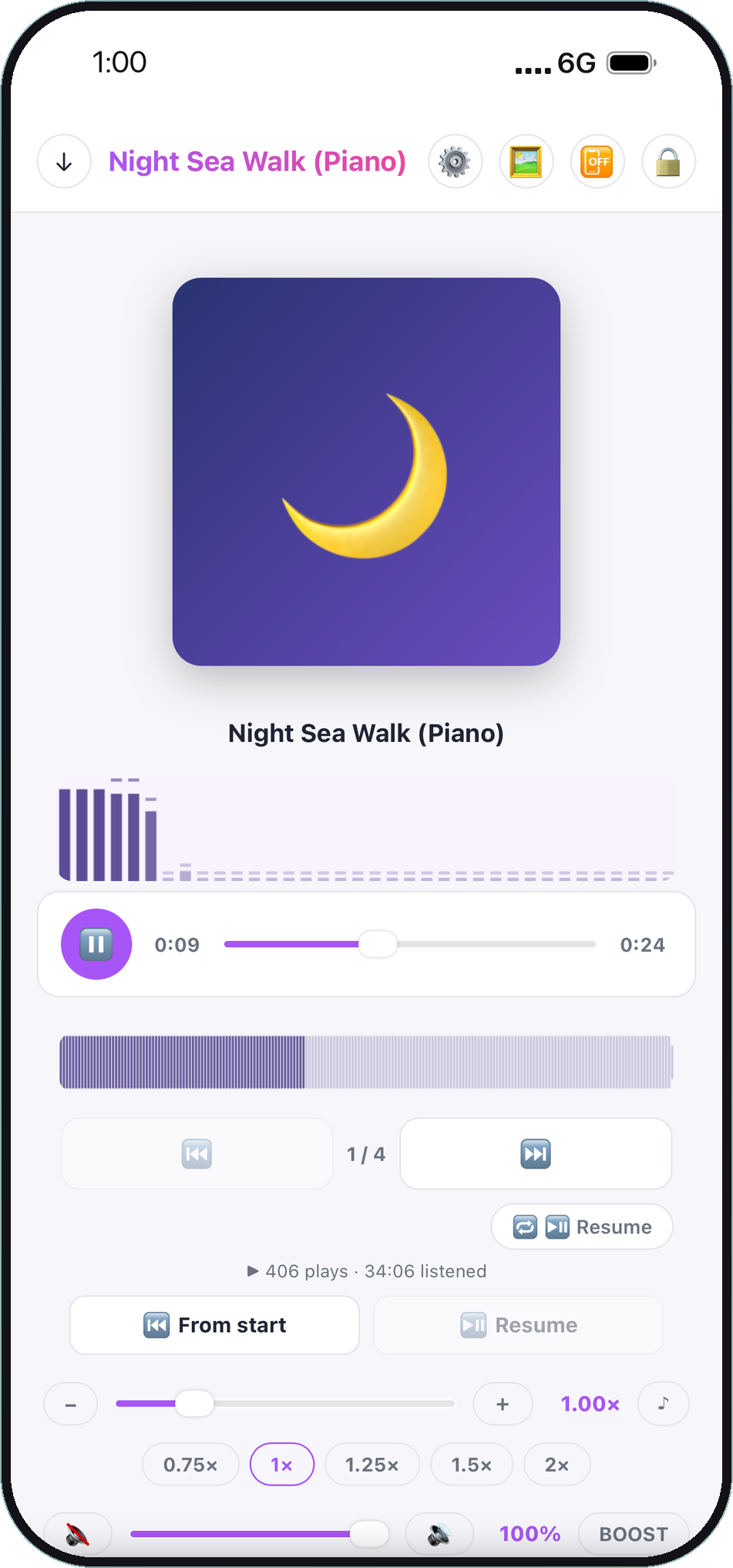
Offline player1920×1080 · JPG · 215 KB · Your music, offline
↓
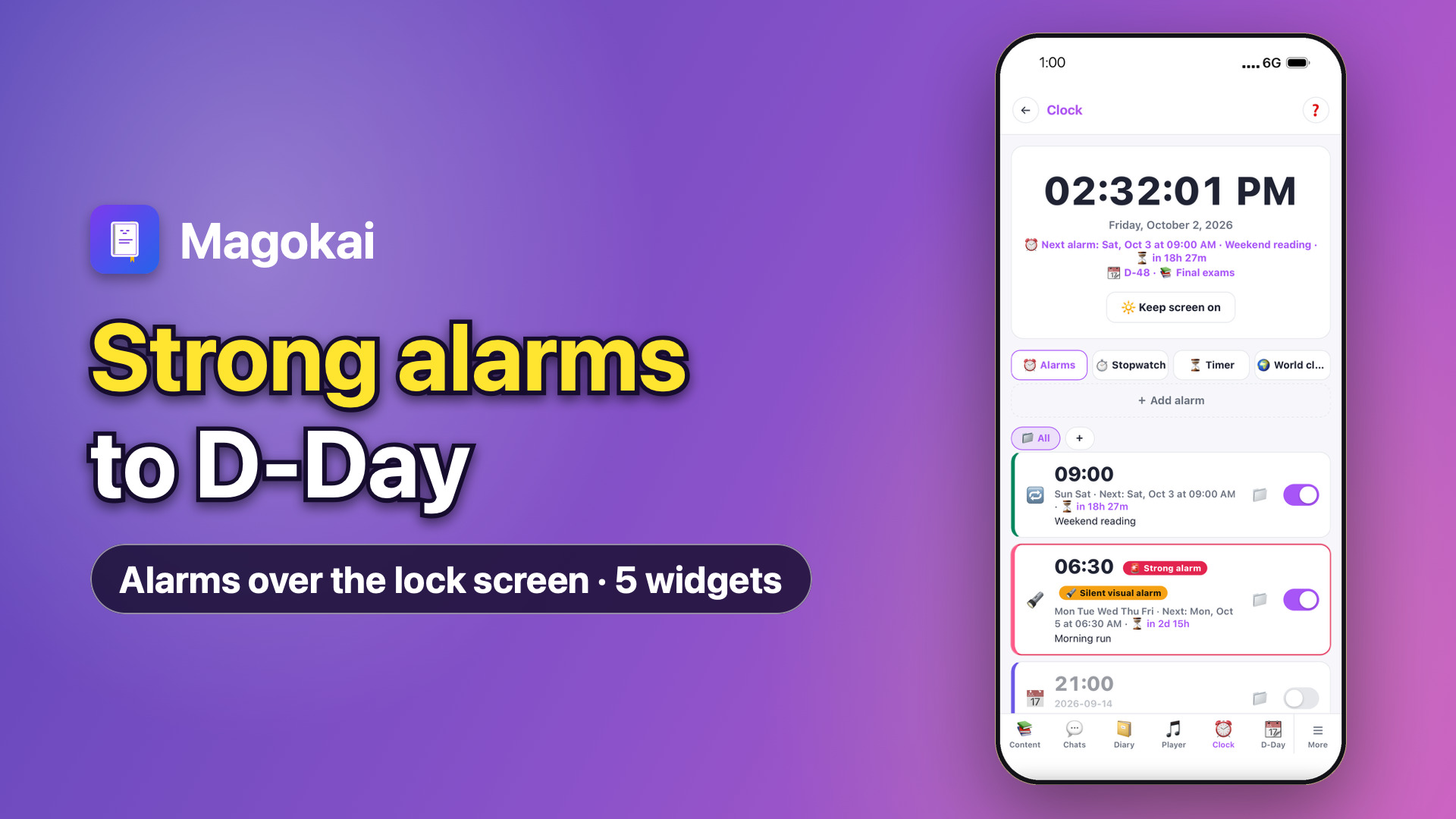
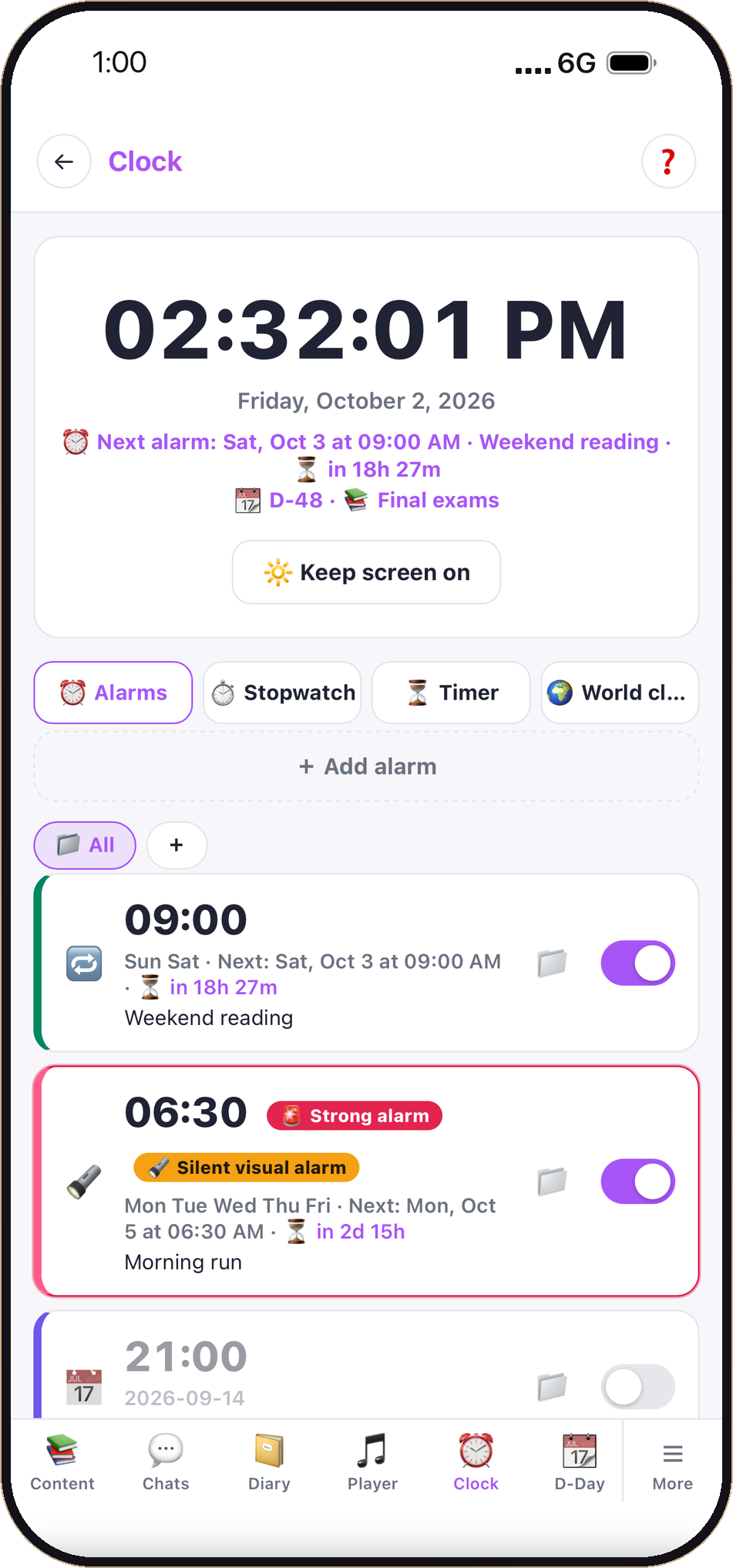
Alarms & widgets1920×1080 · JPG · 260 KB · Strong alarms to D-Day
↓
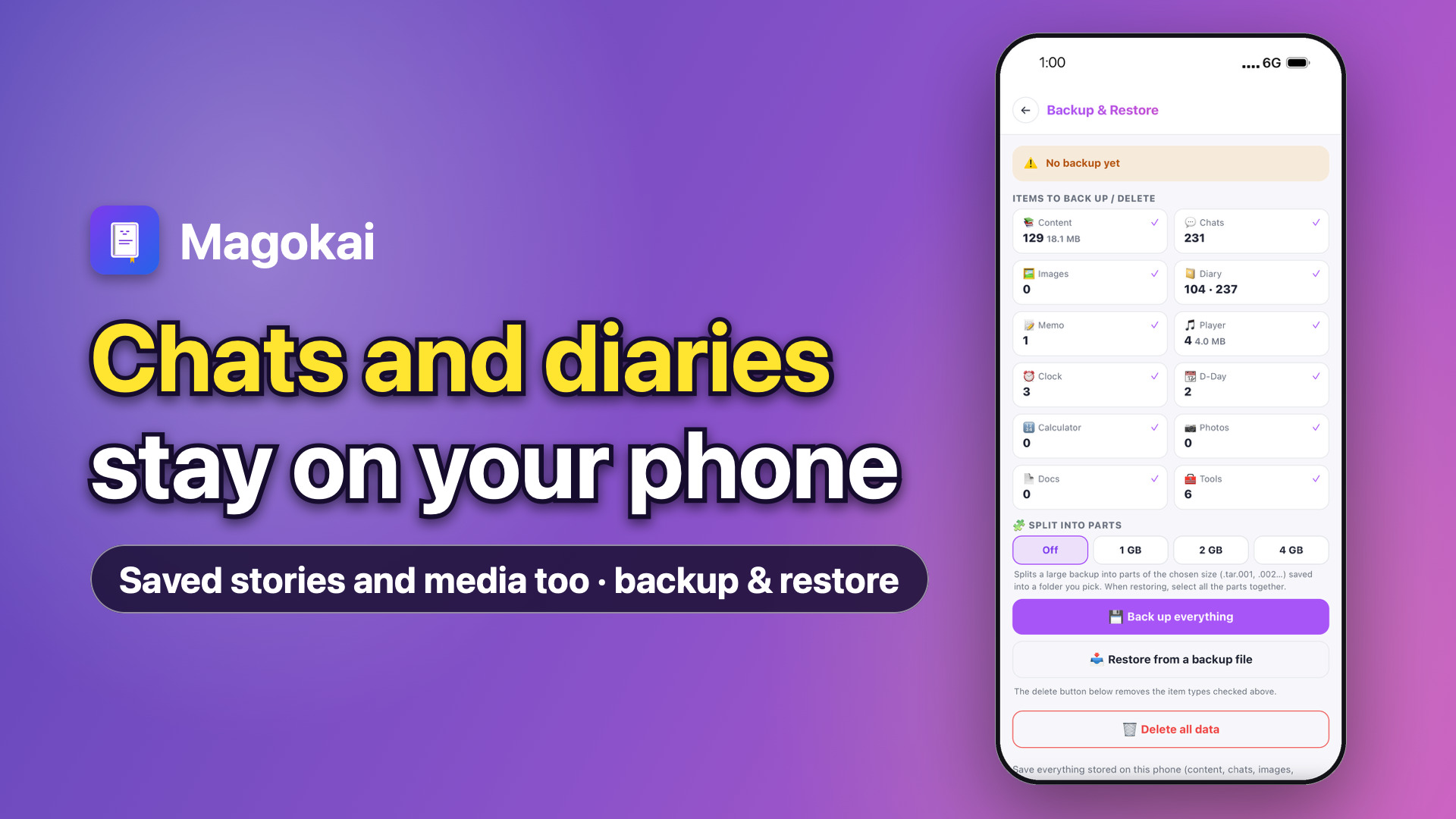
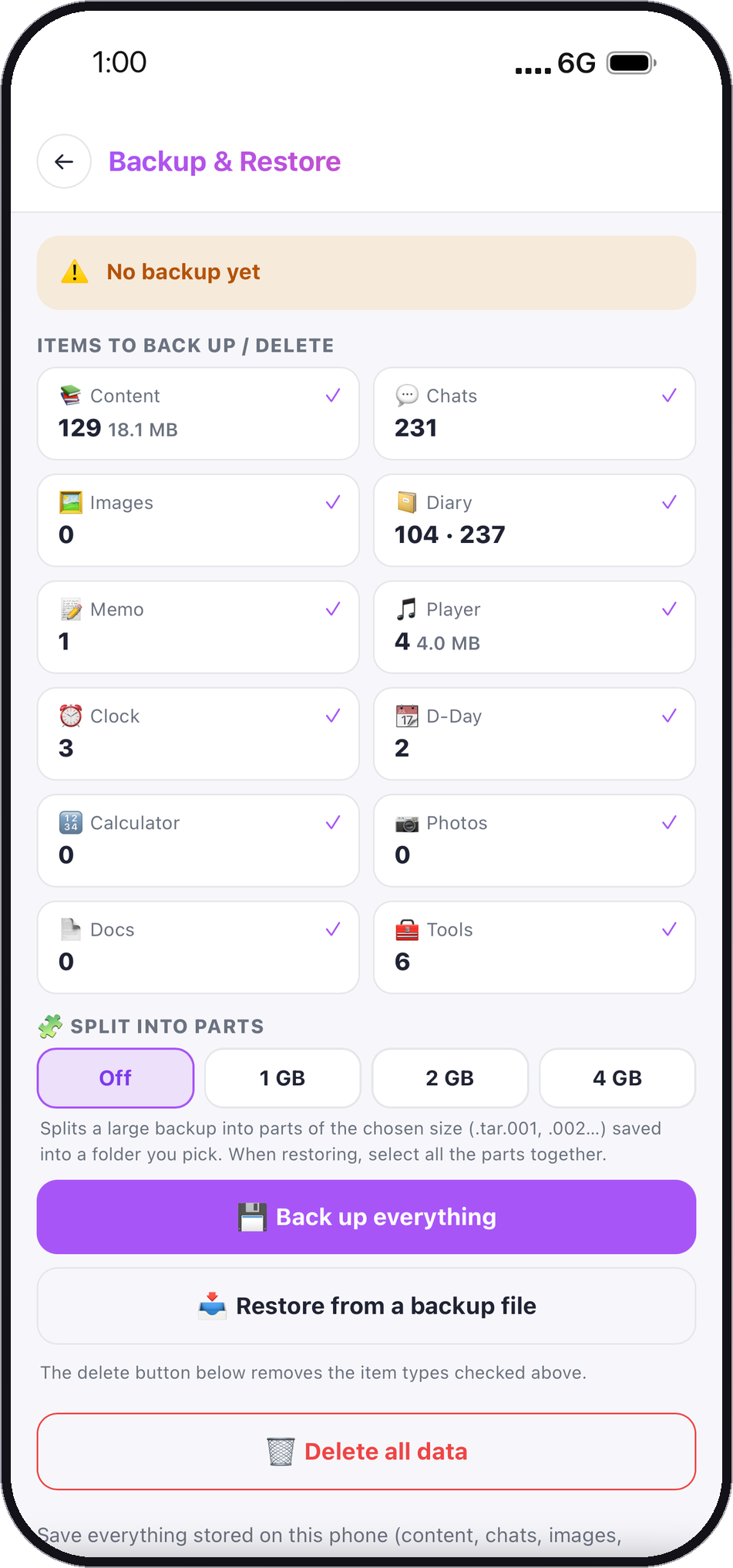
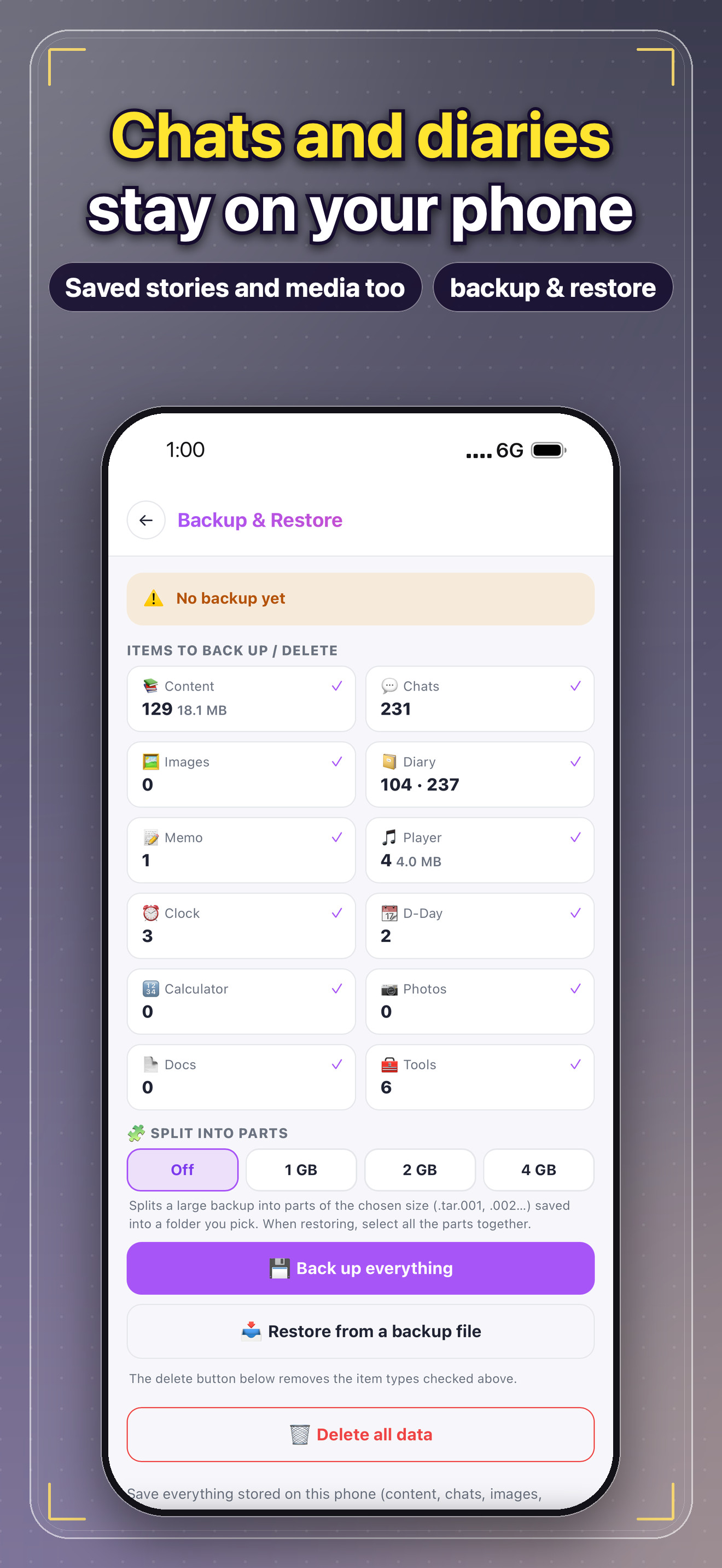
Privacy & backup1920×1080 · JPG · 287 KB · Chats and diaries stay on your phone
↓

Product screenshots

Real captures from the iPhone app in this language, taken in the market the language belongs to. Device-framed PNGs have a transparent background; the App Store set includes the headlines.

This section as ZIP · 7.6 MB↓

AI web novels951×2033 · PNG · 2.0 MB · device frame, transparent
↓
Character chat951×2033 · PNG · 408 KB · device frame, transparent
↓
AI diary951×2033 · PNG · 600 KB · device frame, transparent
↓
Offline reader951×2033 · PNG · 702 KB · device frame, transparent
↓
Offline player951×2033 · PNG · 308 KB · device frame, transparent
↓
Alarms & widgets951×2033 · PNG · 378 KB · device frame, transparent
↓
Privacy & backup951×2033 · PNG · 348 KB · device frame, transparent
↓

App Store screenshots

AI web novels1320×2868 · JPG · 600 KB · App Store screenshot with headline
↓
Character chat1320×2868 · JPG · 452 KB · App Store screenshot with headline
↓
AI diary1320×2868 · JPG · 596 KB · App Store screenshot with headline
↓
Offline reader1320×2868 · JPG · 624 KB · App Store screenshot with headline
↓
Offline player1320×2868 · JPG · 389 KB · App Store screenshot with headline
↓
Alarms & widgets1320×2868 · JPG · 494 KB · App Store screenshot with headline
↓
Privacy & backup1320×2868 · JPG · 439 KB · App Store screenshot with headline
↓

Brand guidelines

The product name is written Magokai — one word, capital M, pronounced “mah-go-kai”. The company is MagokoroAI, Inc.

Brand gradient#5A46B8 → #8A52C9 → #C85AC8
Indigo#5A46B8
Violet#8A52C9
Orchid#C85AC8
Deep purple#160C2E
Highlight yellow#FFE430

Do

  • Use the lockups exactly as provided, with the built-in clear space.
  • White lockup on dark or colored backgrounds, dark lockup on light backgrounds.
  • Use the app icon on its own where space is tight (favicons, list views, badges).
  • Write the name as “Magokai” in running text; no need for ™ or capitals.

Don’t

  • Stretch, rotate, recolor, outline or add effects to the logo or icon.
  • Separate the book glyph from its tile, or redraw the icon.
  • Create new marks or lockups, or combine the logo with other symbols.
  • Place the logo on busy images without a solid or blurred backing.

Clear space

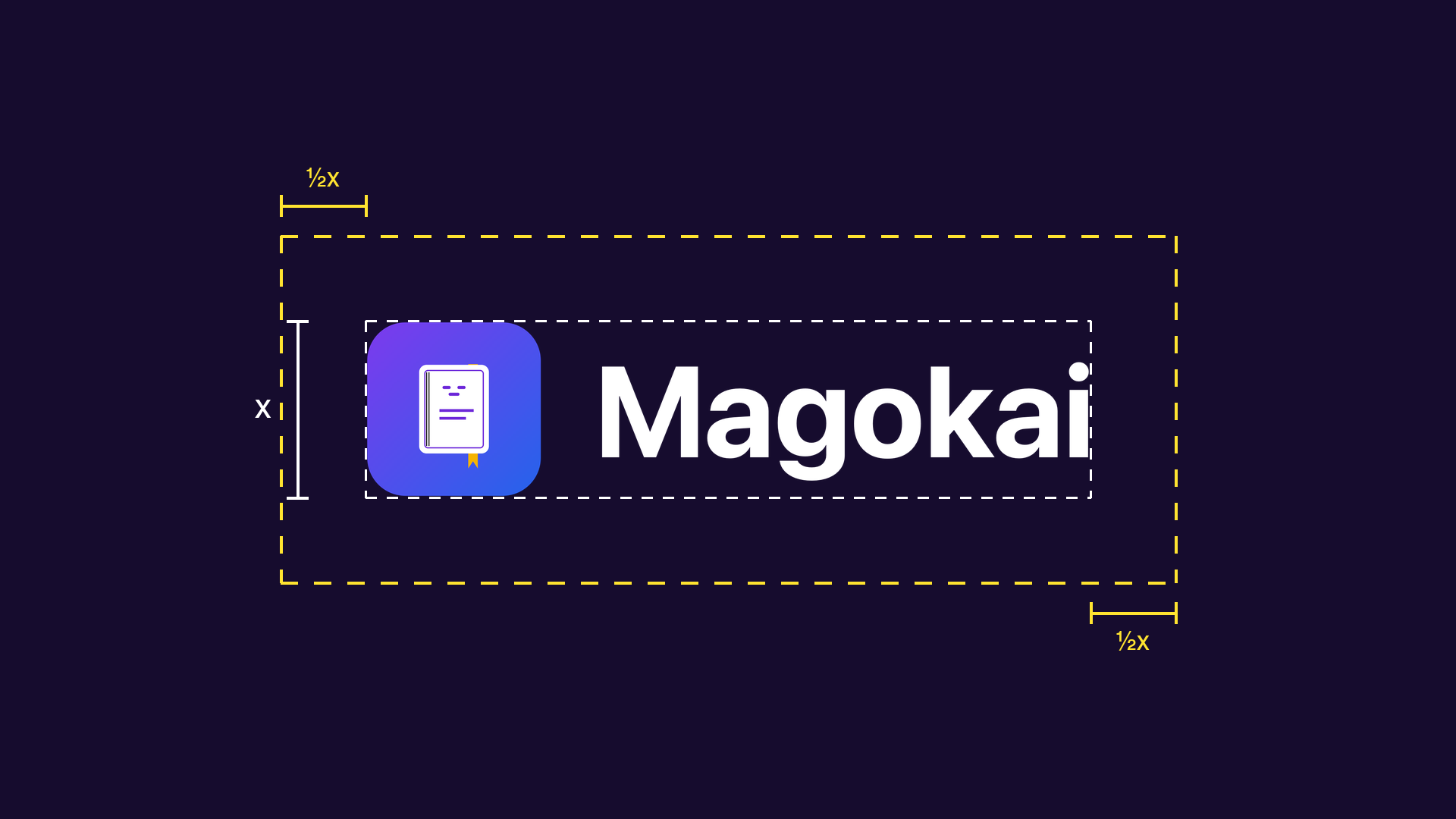
Keep at least half the icon’s height free on every side. The lockup files already include this space.

Minimum size

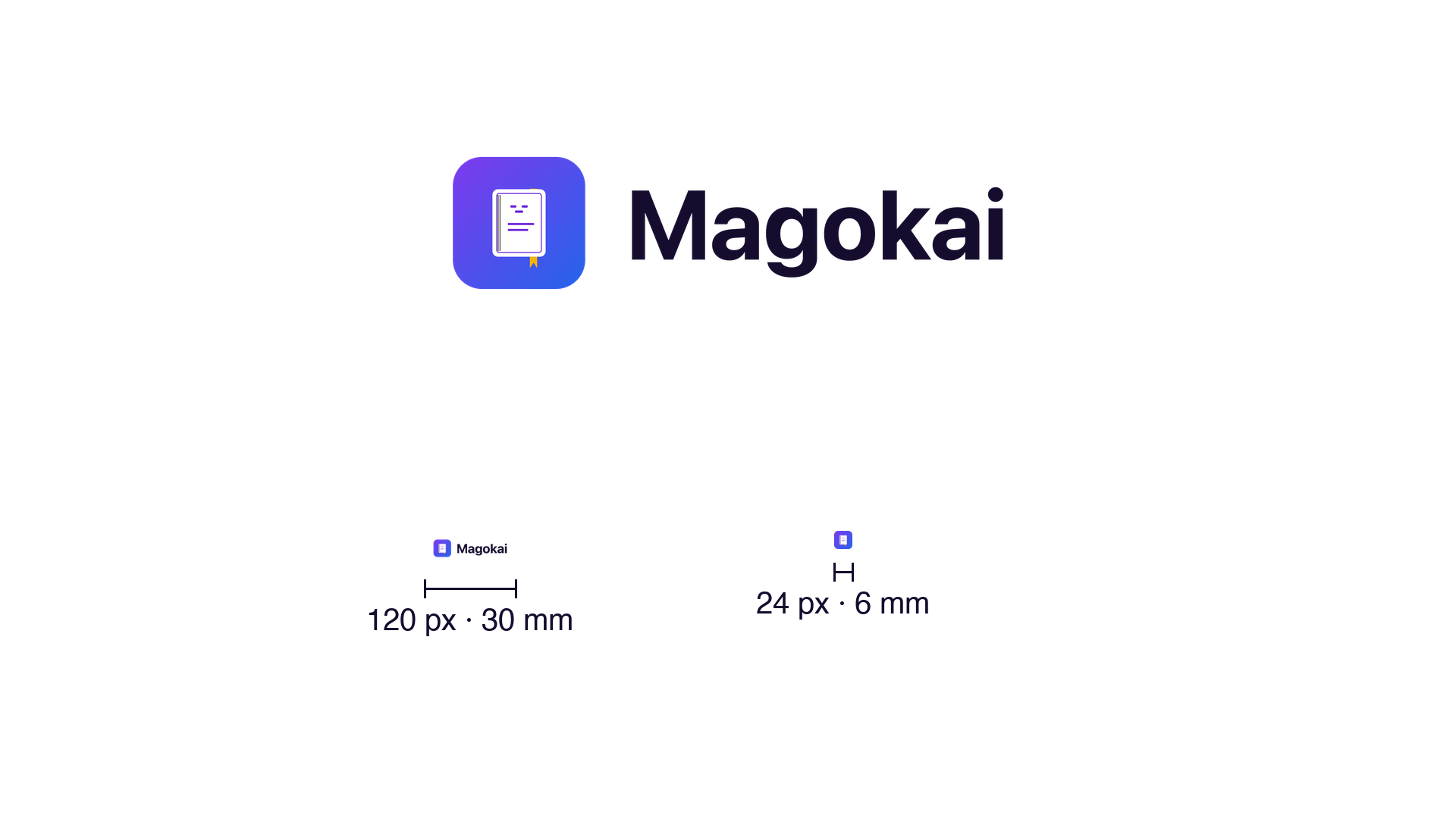
Do not reproduce the horizontal lockup narrower than 120 px (30 mm) or the icon smaller than 24 px (6 mm).

Typography

Magokai’s product and marketing text uses the platform system font — San Francisco on Apple devices, Roboto on Android — and Pretendard on the web. The wordmark is never retyped: always use the logo files.

Clear space1920×1080 · PNG · 52 KB
↓
Minimum size1920×1080 · PNG · 54 KB
↓

How to say it

Magokai is one word with a capital M, pronounced mah-go-kai — the last syllable rhymes with “sky”. The company name MagokoroAI is pronounced mah-go-ko-ro A-I.

Local spelling: Magokai

Listen in English
Listen in Korean

Questions from the press
What is Magokai?

An app that writes web novels with AI from the characters, world and genre you choose, and lets you chat with those characters. It is made by MagokoroAI, Inc. in Incheon, Republic of Korea.

How does the AI write a story?

You pick characters, a world and a genre; Magokai’s AI then writes the whole novel. Every character in the story can be messaged and answers in character, remembering what has happened so far.

Where is user data stored?

Saved stories, chats and diaries live on the user’s device, not on Magokai’s servers. Users can back them up and restore them themselves.

Which languages and markets?

76 languages — the app, the chats and the novels switch languages inside the app. Store listings cover 102 markets.

What does it cost?

Magokai is free to download. Optional in-app purchases and subscriptions unlock more AI writing and chat.

What works offline?

The offline reader with read-aloud, the music and video player, alarms, the world clock, a calculator and home-screen widgets all work without a connection.

How are AI replies kept safe?

AI replies and diaries can be reported from inside the app, and a word policy maintained in every supported language filters prohibited content.

Can I use these materials?

Yes. Everything on this page may be used in editorial coverage, reviews, app listings and advertising about Magokai without further permission. Please keep the logo unaltered.

Magokai at a glance

ProductMagokai — AI web novels & character chat
DeveloperMagokoroAI, Inc., Incheon, Republic of Korea
LaunchOctober 2026 — iOS and Android
PlatformsiPhone and iPad (iOS 16 or later), Android phones and tablets (Android 7.0 or later), web at magokai.com
PriceFree to download, with optional in-app purchases and subscriptions
Languages76 languages — the app, chats and novels switch inside the app
CategorySocial Networking · Books
Press contactcs@magokoroai.com
Using these assets
You may use everything on this page in editorial coverage, reviews, app listings and advertising about Magokai without asking first. For partnership, licensing or interview requests, contact: cs@magokoroai.com

Language

Copied